Sega GameGear Audio & Display Fix
I received a GameGear without sound and the contrast of the handheld was terrible.
So I used a searchmachine and found the following sites:
If you don’t want to make it yourself, we can take care of your gamegear
Part #1 Audio Fix
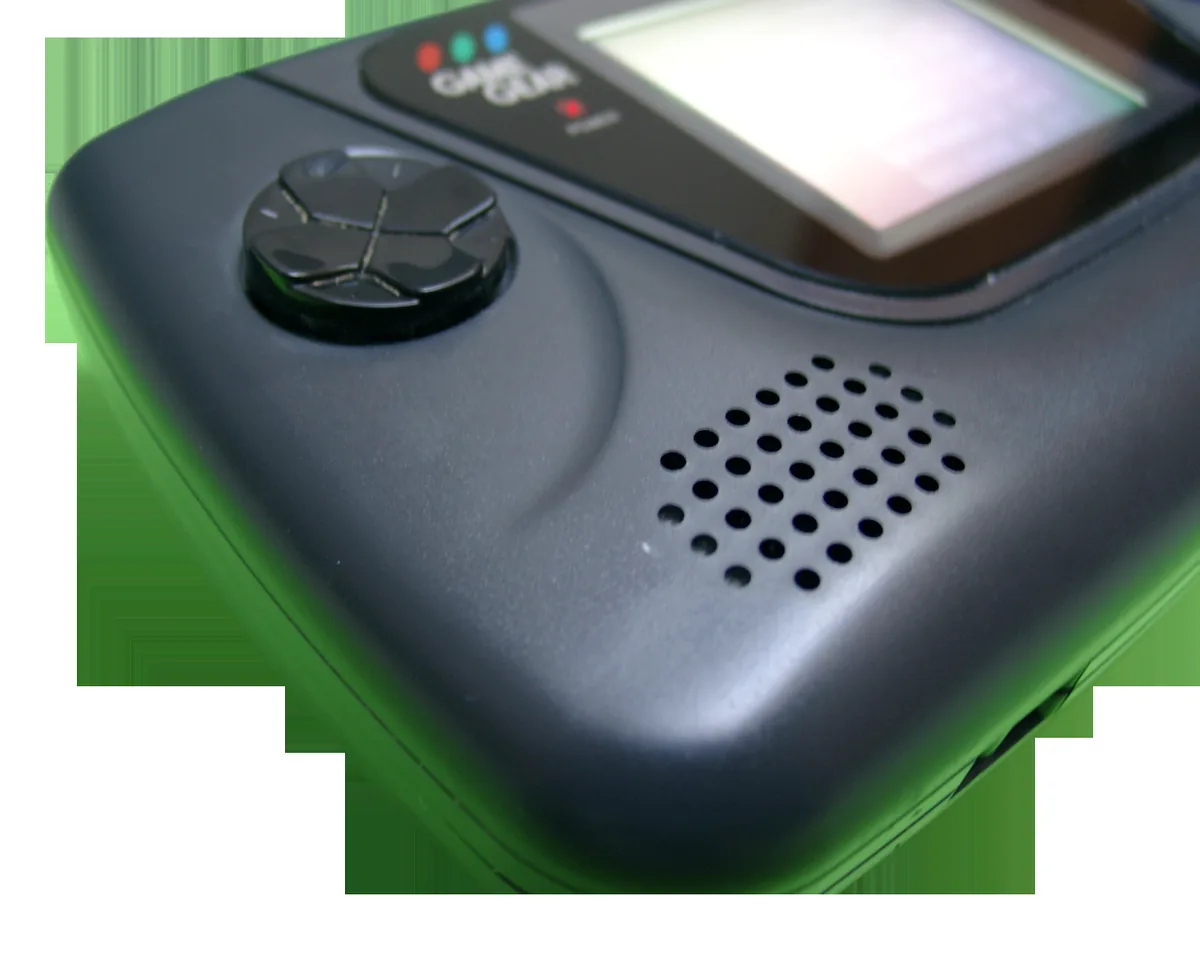
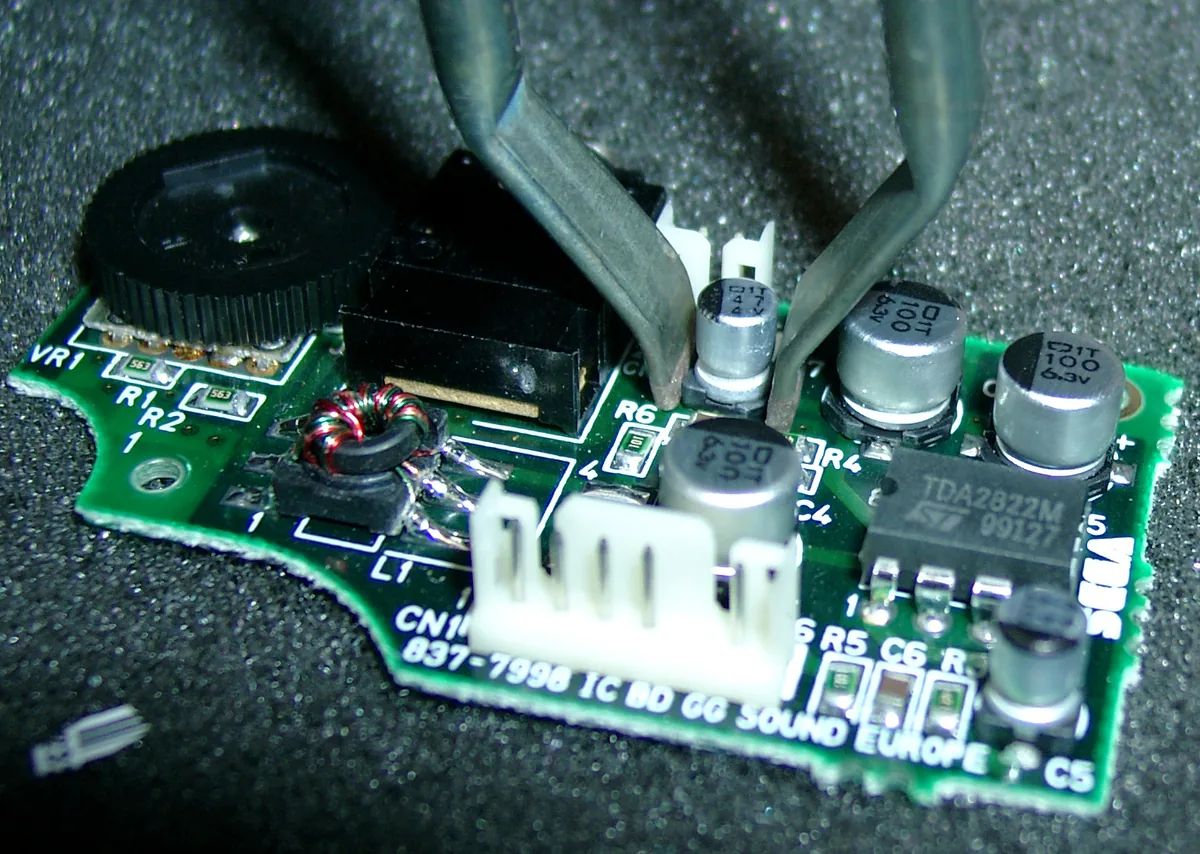
In most cases it it this capacitor 47uF 6.3V (C7) Please change 47uF 6.3V (C5) too, because if you make use of a headphone.
If you can’t find it with 6.3V you can make use of one with higher voltage.
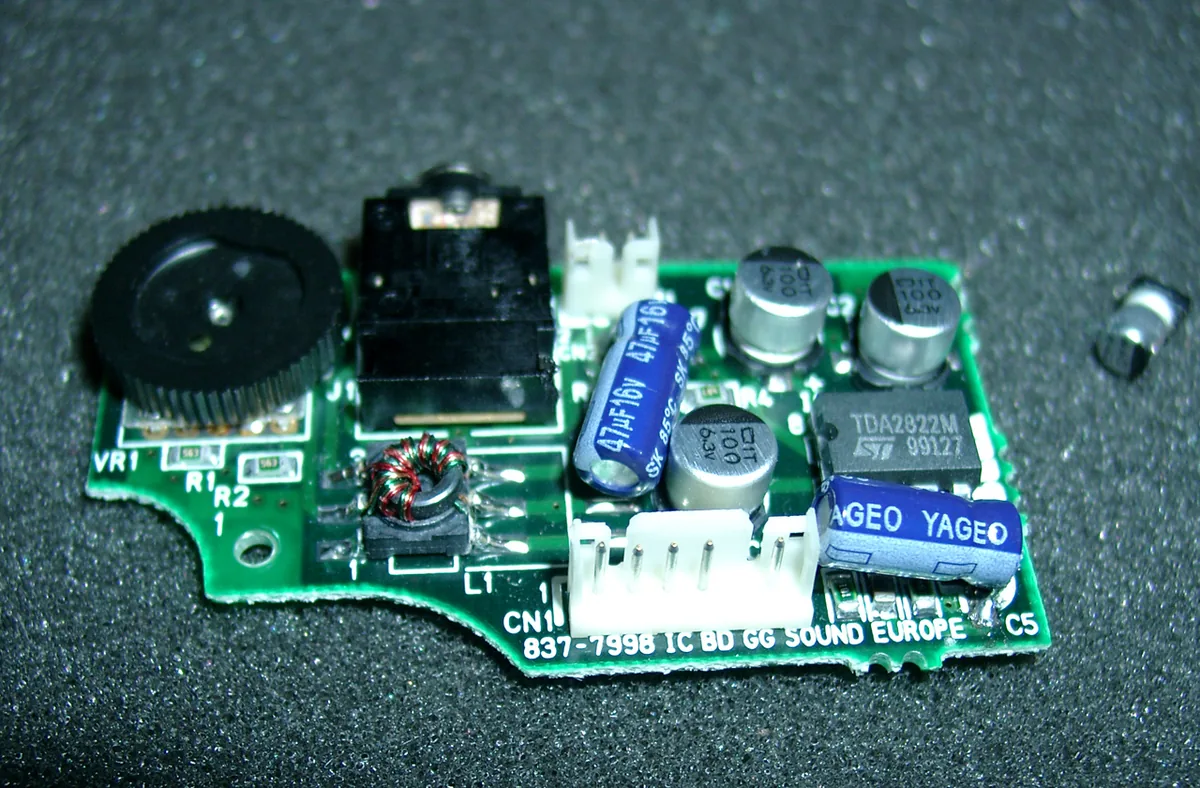
Audio Amplifier Board
| DESIGNATOR | VALUE |
| C1 C2 C3 C5 C7 | 100μ 6.3V 100μ 6.3V 100μ 6.3V 47μ 4V 47μ 4V |
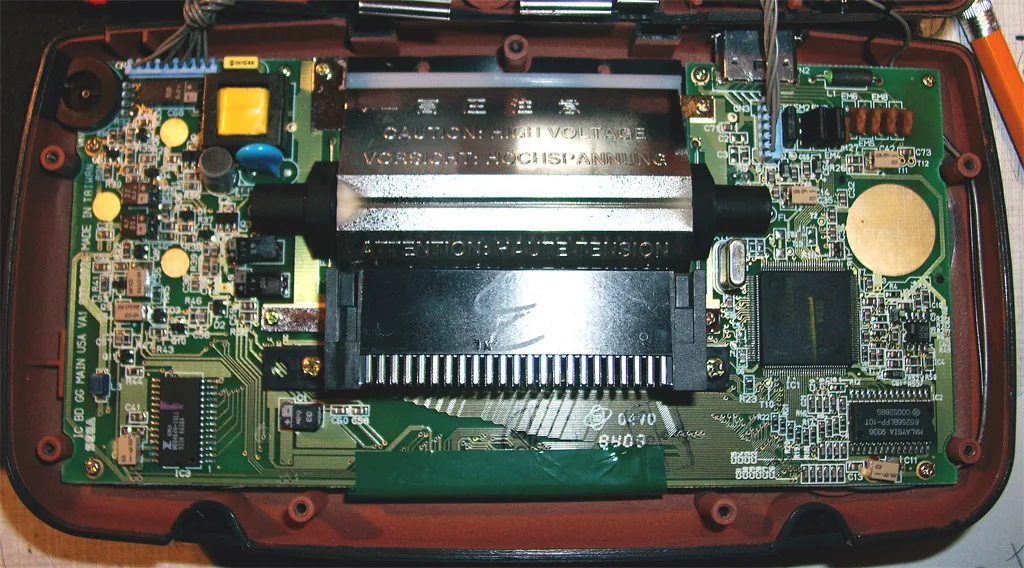
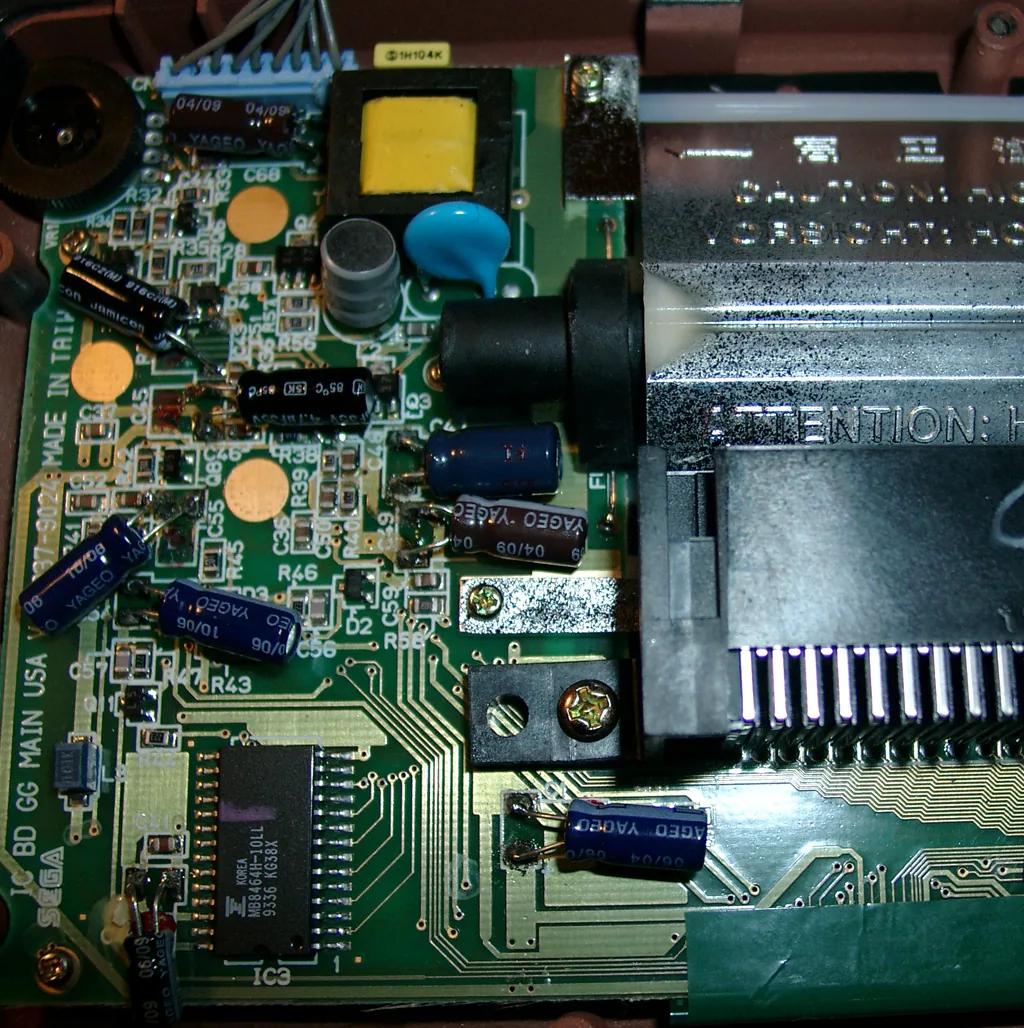
The display was dark, the contrast wheel didn’t help, so I changed every elko on the mainboard. After this the picture was brighter and the contrast wheel works good again.
The original capacitors have some clue under it. Desolder one side of a capacitor and move it a litte bit. Then you can desolder the other site.
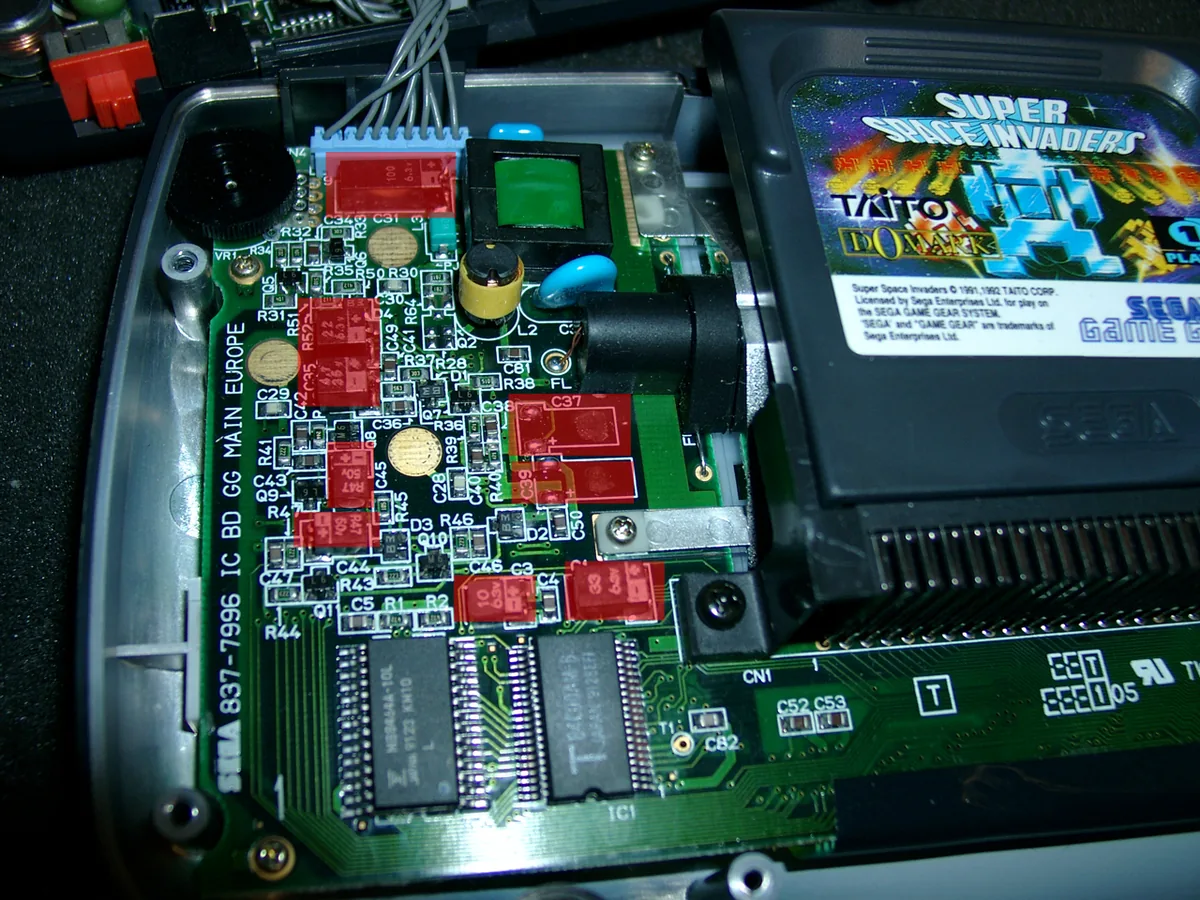
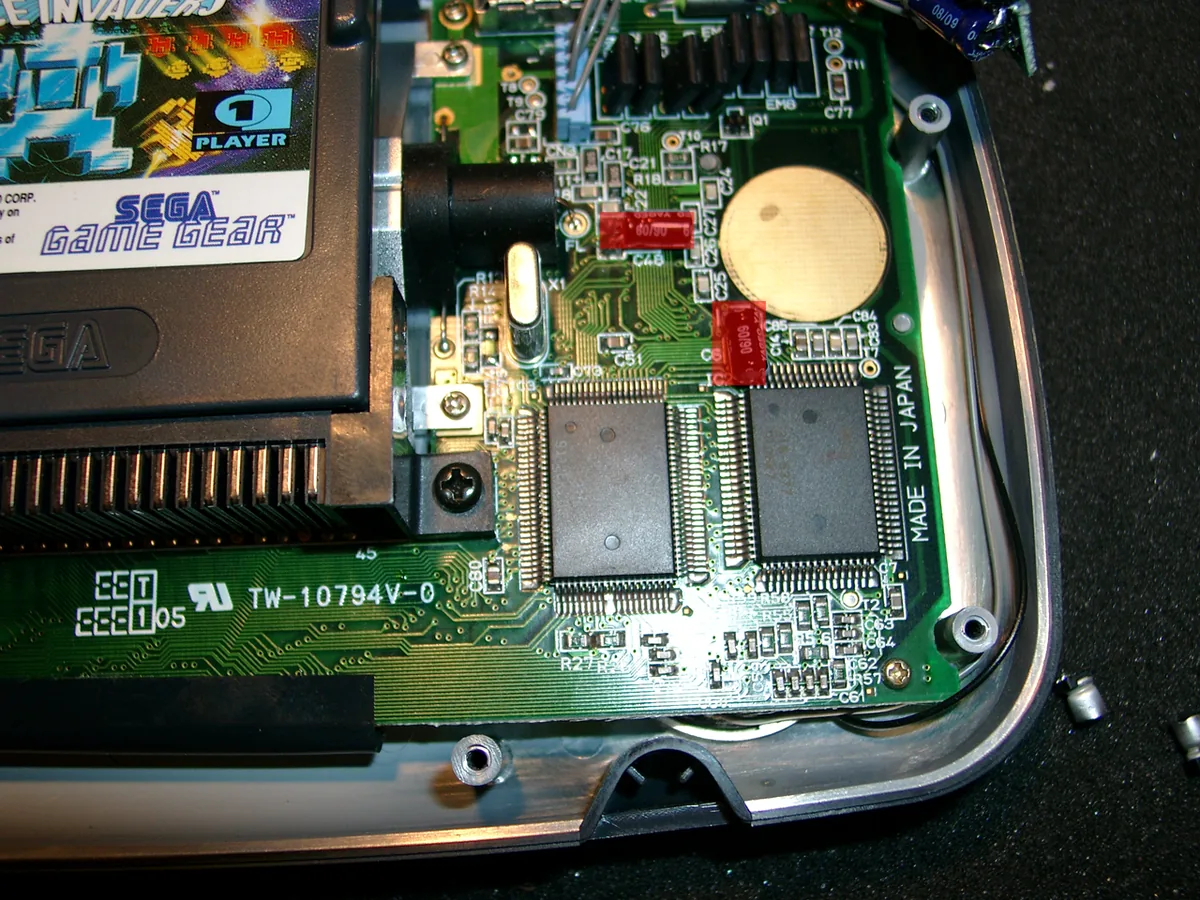
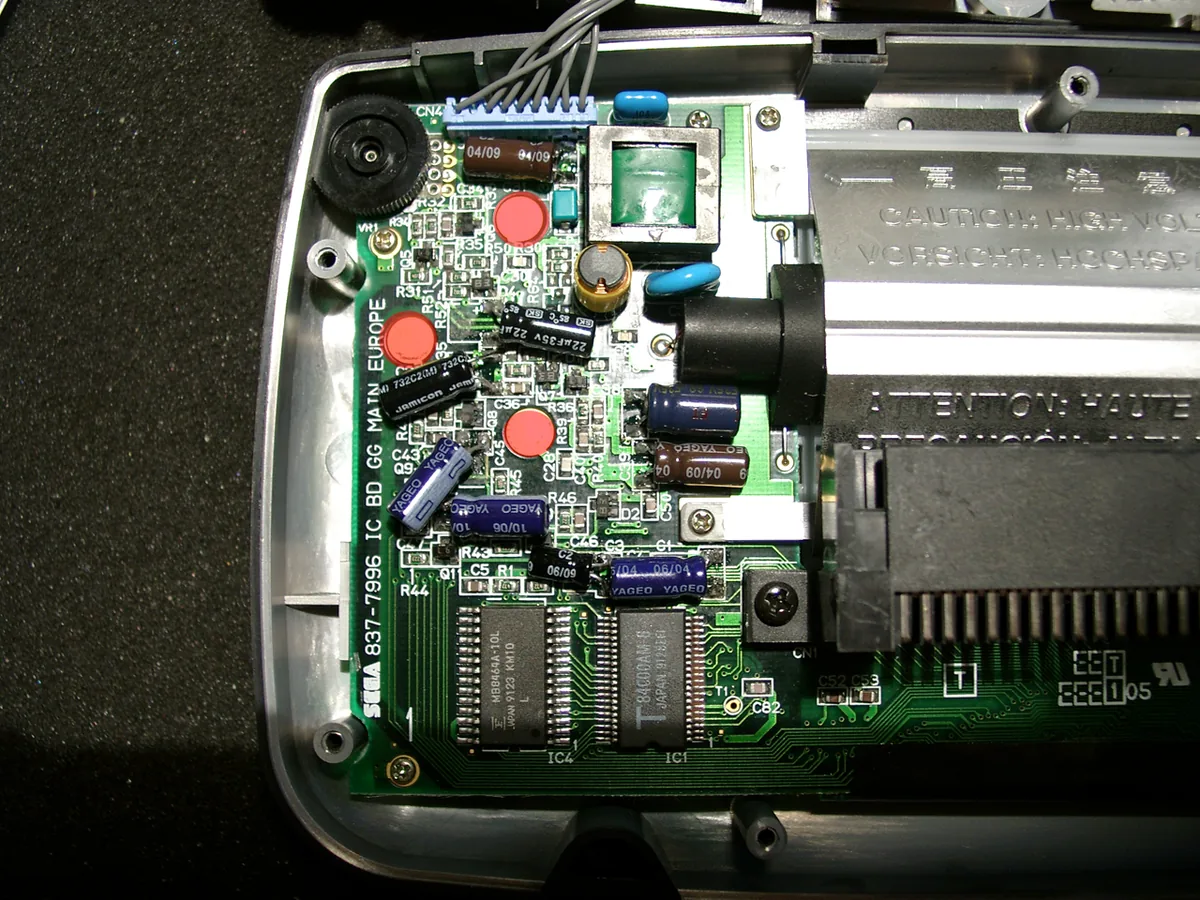
when soldering make space at the marked areas. It is needed when closing the gamegear.
Mainboard
| ONE ASIC GG | TWO ASIC GG | VALUE |
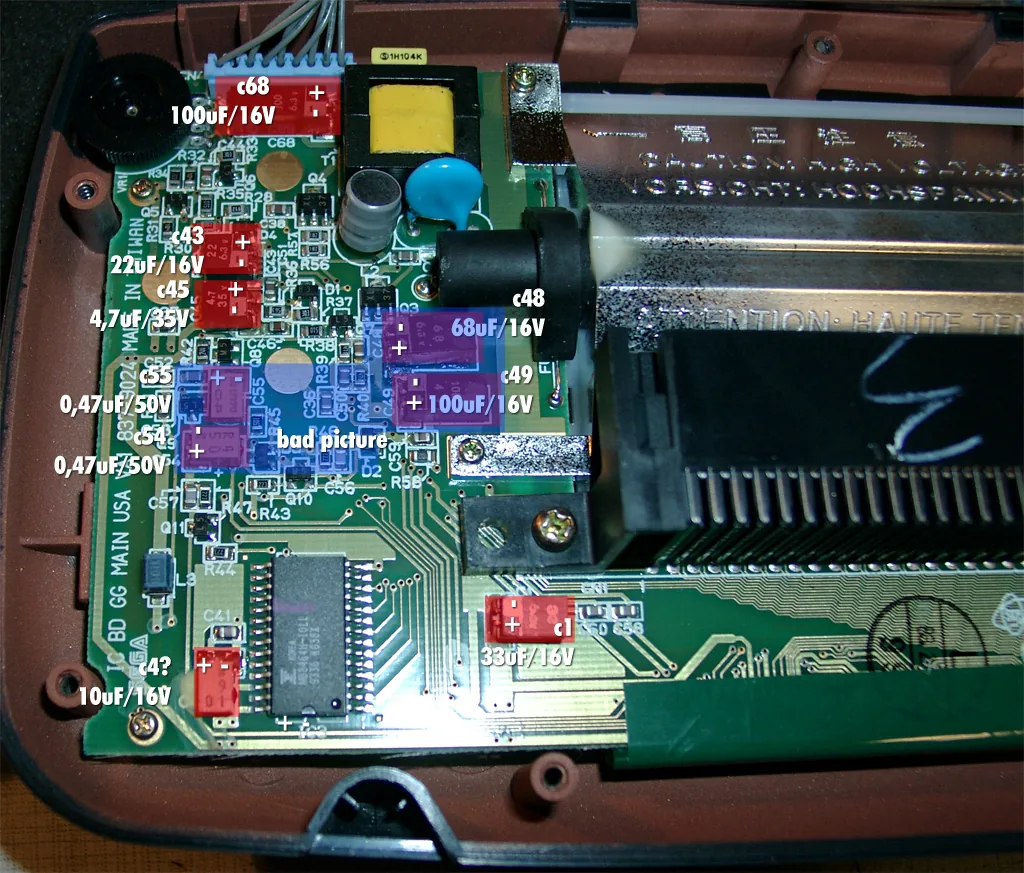
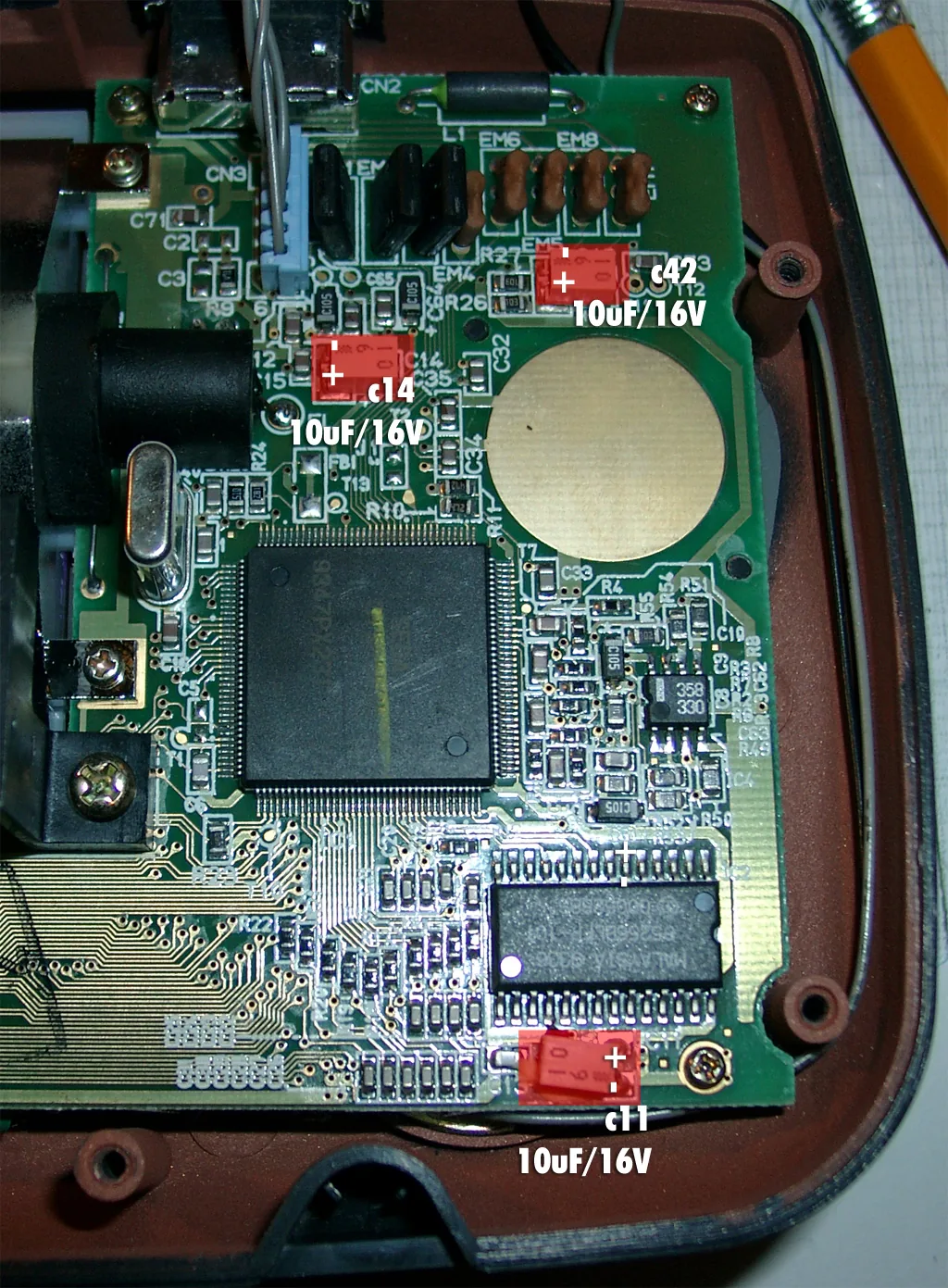
| C68 C43 C45 C55 C54 C48 C49 C1 C4 C14 C48 C11 | C31 C49 C35 C45 C44 C38 C39 C1 C3 C14 C48 - | 100μ 6.3V 22μ 6.3V 4.7μ 35V 0.47μ 50V 0.47μ 50V 68μ 6.3V 100μ 4V 33μ 6.3V 10μ 6.3V 10μ 6.3V 10μ 6.3V 10μ 6.3V |
Here you can see all capacitors to be replaced.
Responseable for the bac contrast are: C54,C55,C48,C49 (blue marked Area). But its better to replace all to be sure.