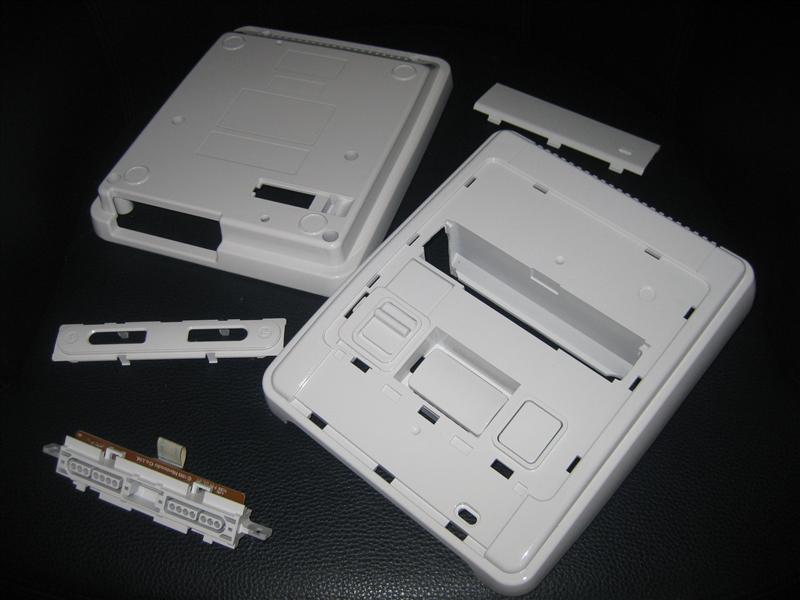
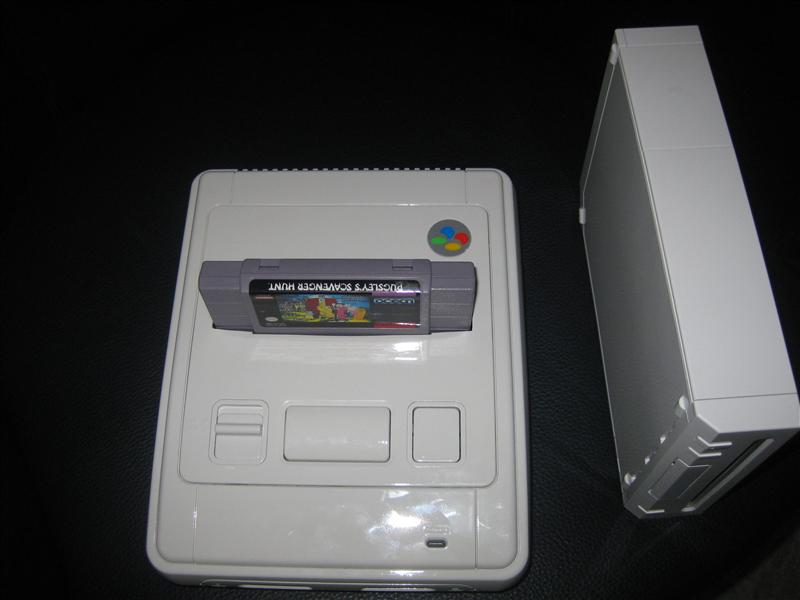
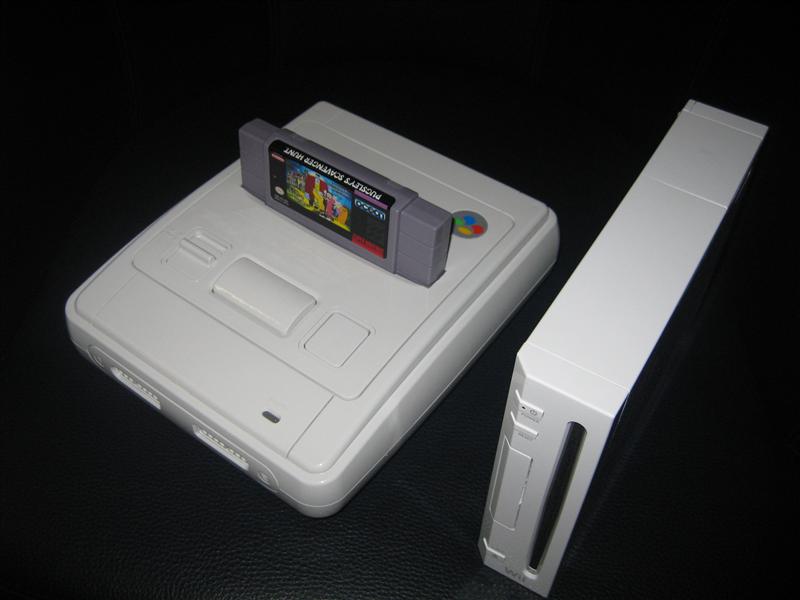
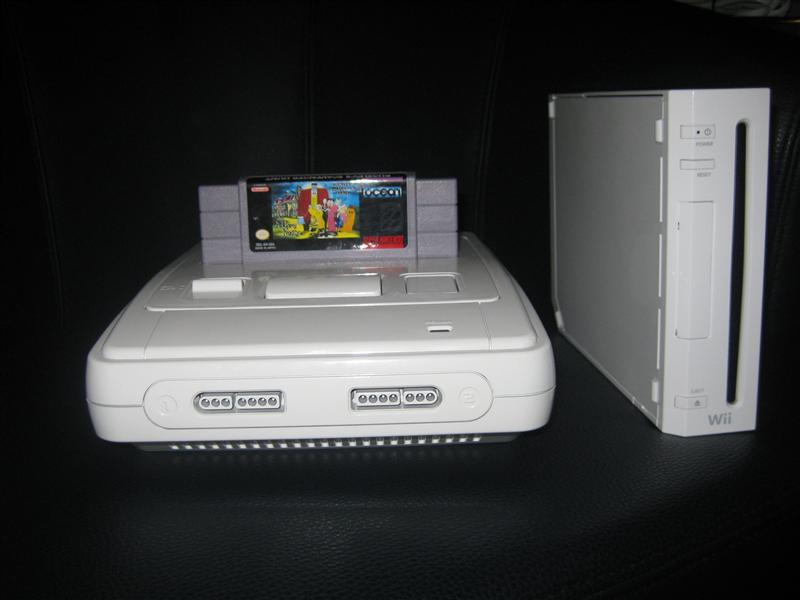
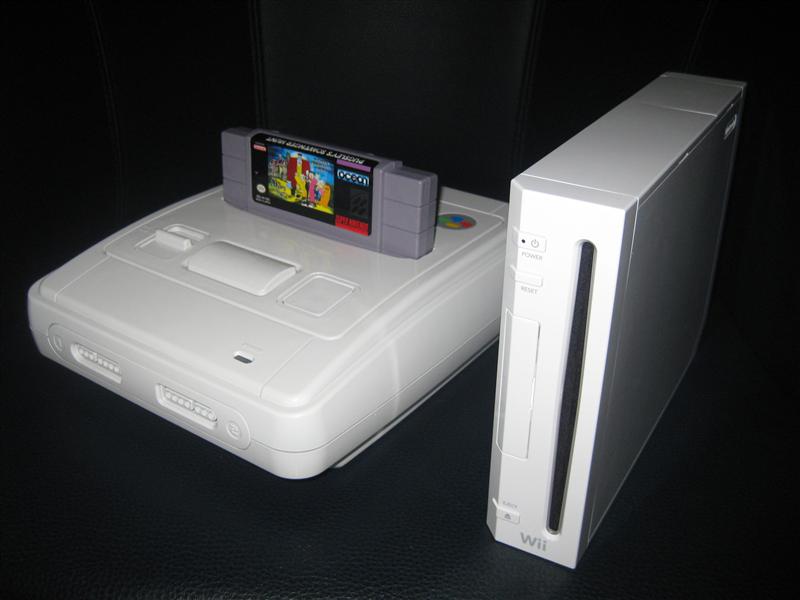
I am in search for a nice Harddisc Case in white, but I didn’t find any nice looking case…
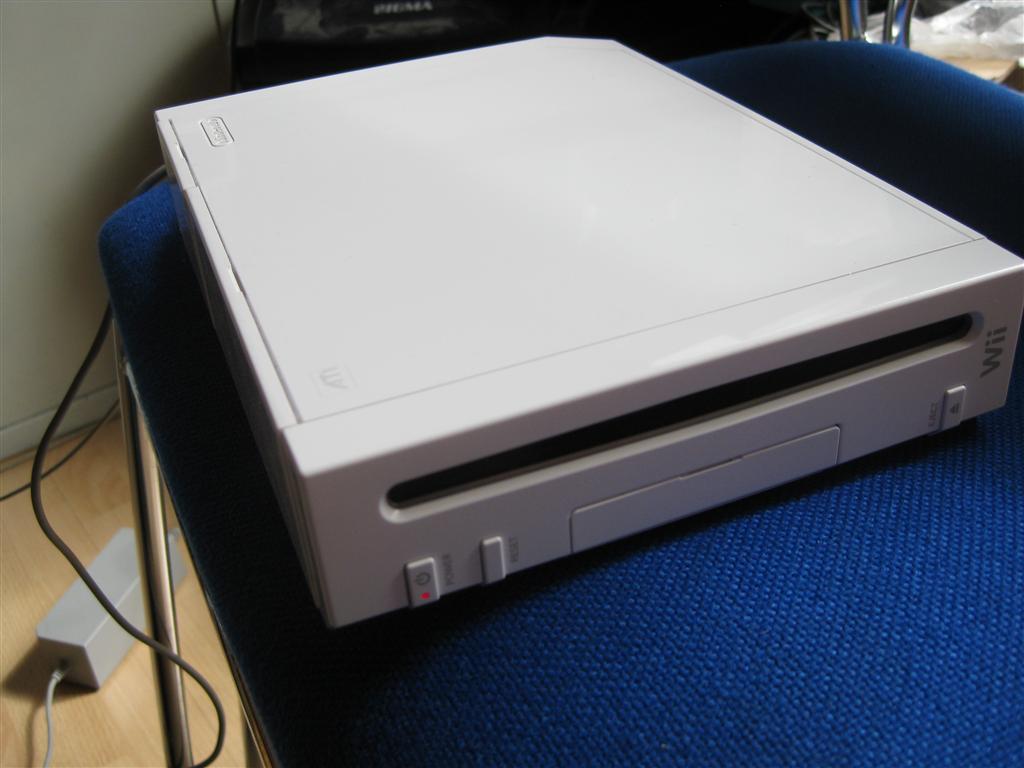
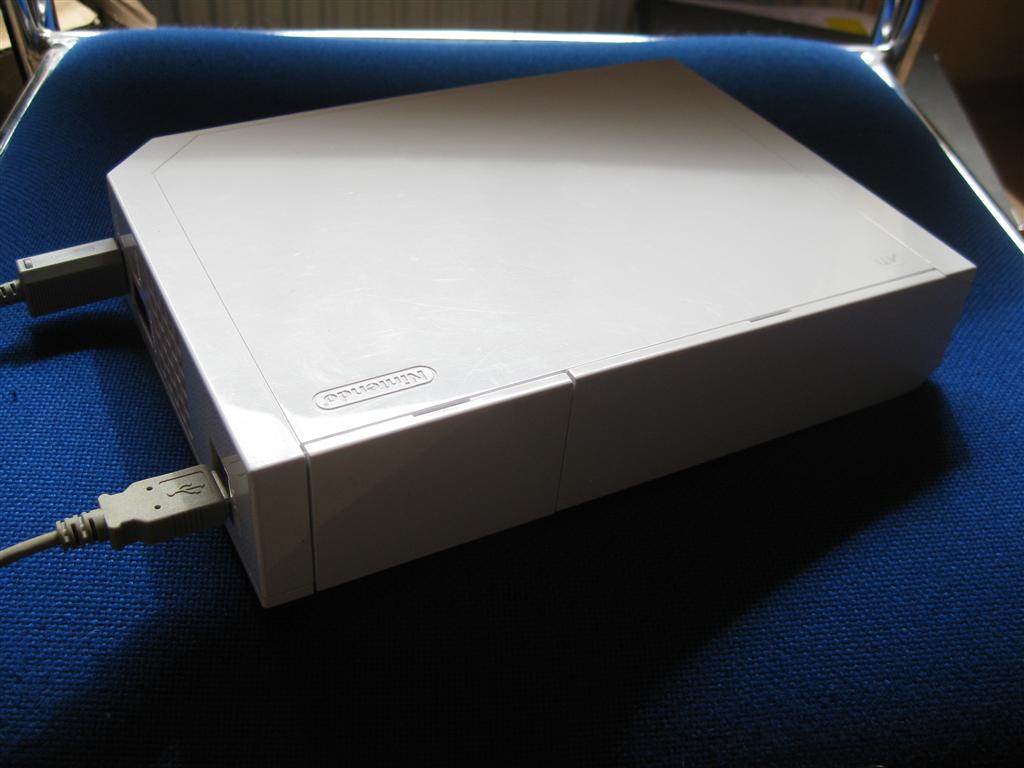
After this I decided to put a 3,5Zoll Sata Harddisc into a broken Wii.
I am planing to use the original Power Supply and the original USB Connectors.
I opened the wii and removed all until you only have the main PCB inside
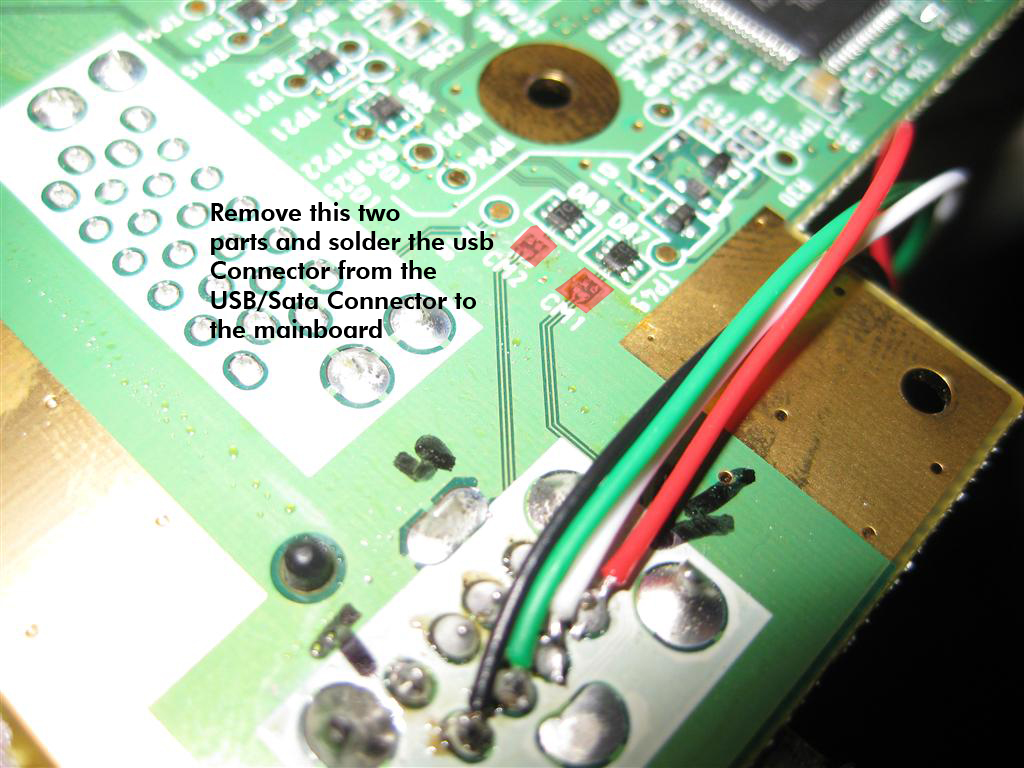
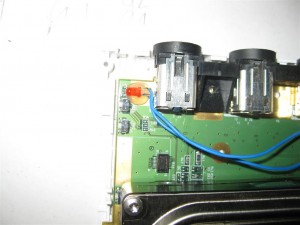
I removed to parts (red marked) to disable the USB Wires into the mainboard and connected the USB Cables from the USB/Sata Connector to the onbaord USB Port
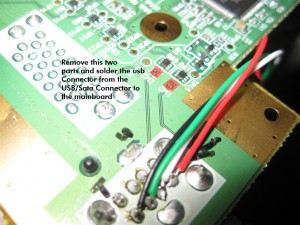
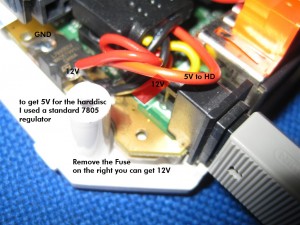
The power is taken from the Top Site of the mainbaord. Here I have to remove the original Fuse (red marked) to avoid getting any voltage to the mainboard.
You can get 12V to power up harddisc from the right site of the fuse.
GND is found at the edge of the mainboard.
I placed a standard 7805 voltage regulator to get the 5V for the Harddisc
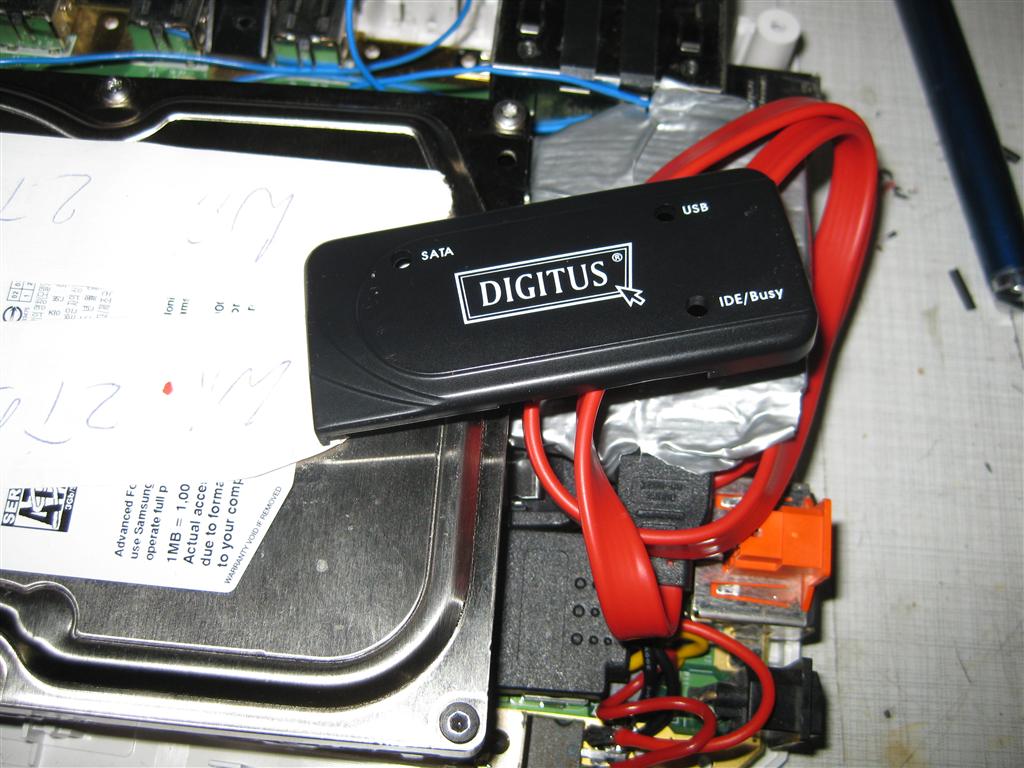
Here you can see original case of the used USB/Sata Connector
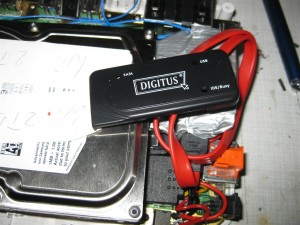
all together
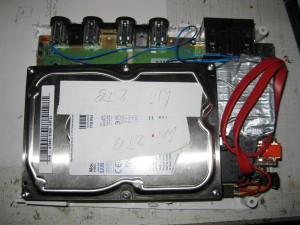
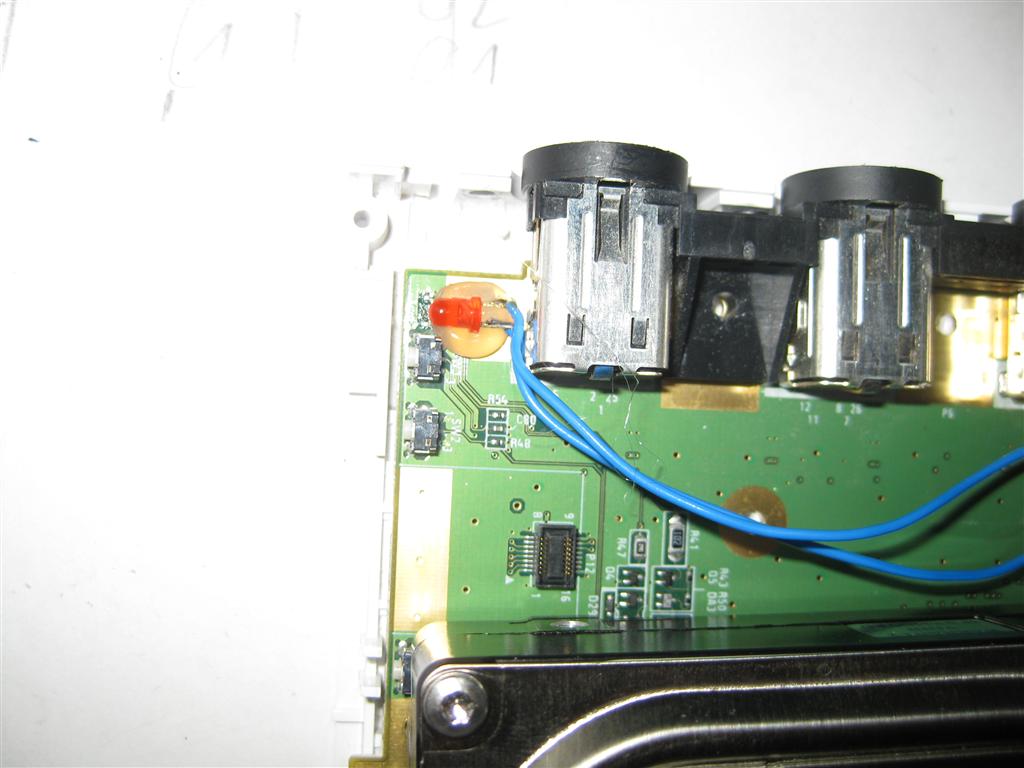
I extended the power Led of the USB/Sata Adapter to the original power LED of the wii
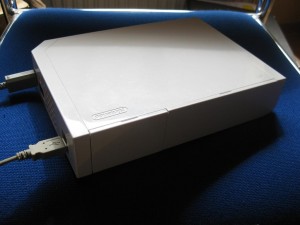
And here you can see the final backsite with connectors
The mod is using a PIC 16F630 with the following code: supercic
There are two ways to get the new CIC working.
a) with original CIC still onboard
To get the supercic working you have to lift the following pins of the original CIC.
Pin 1,2,10 and 11
b) removing the original CIC and add a 10k from Pin 8 to GND.
I will make use of way b) here:
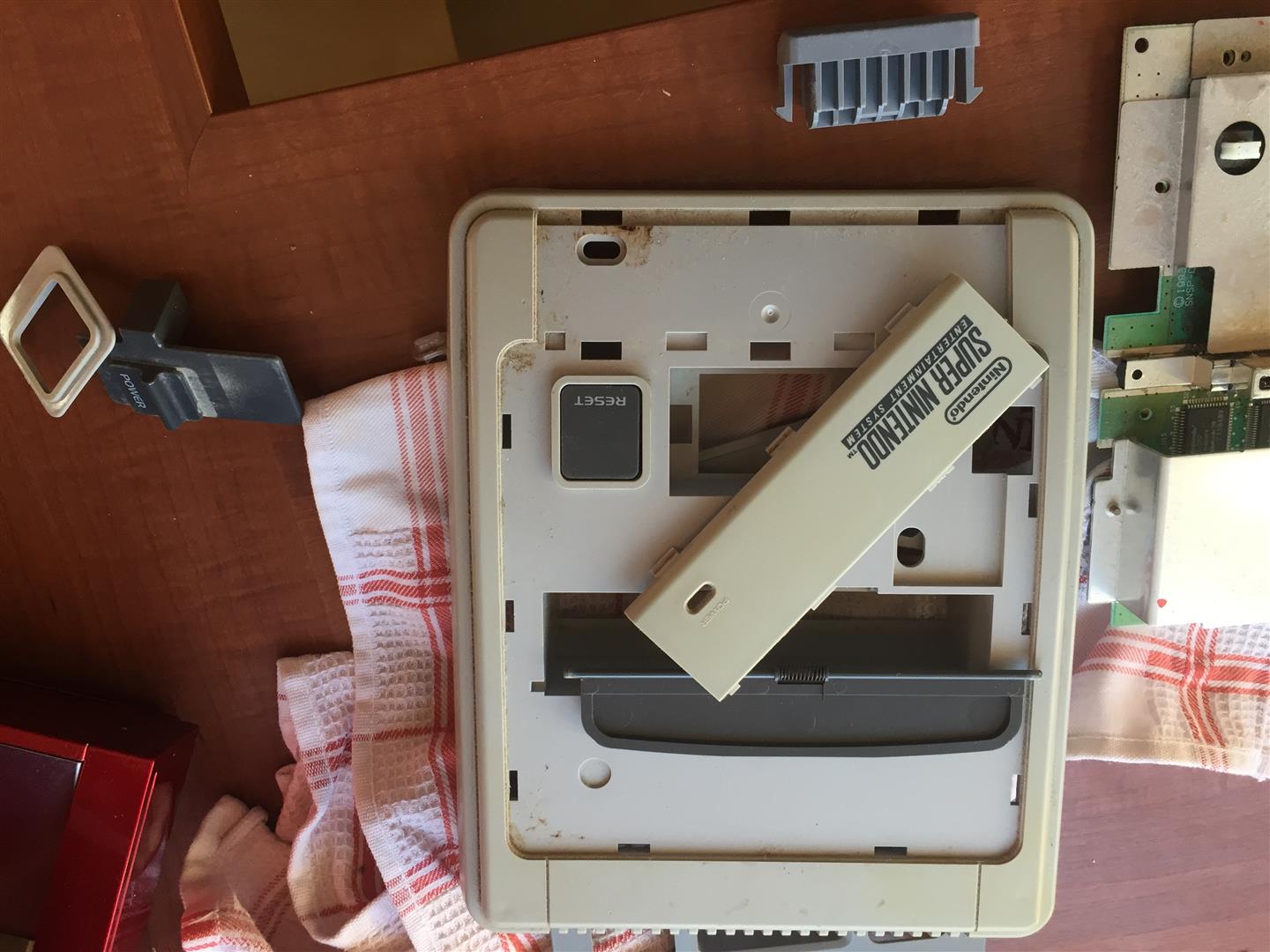
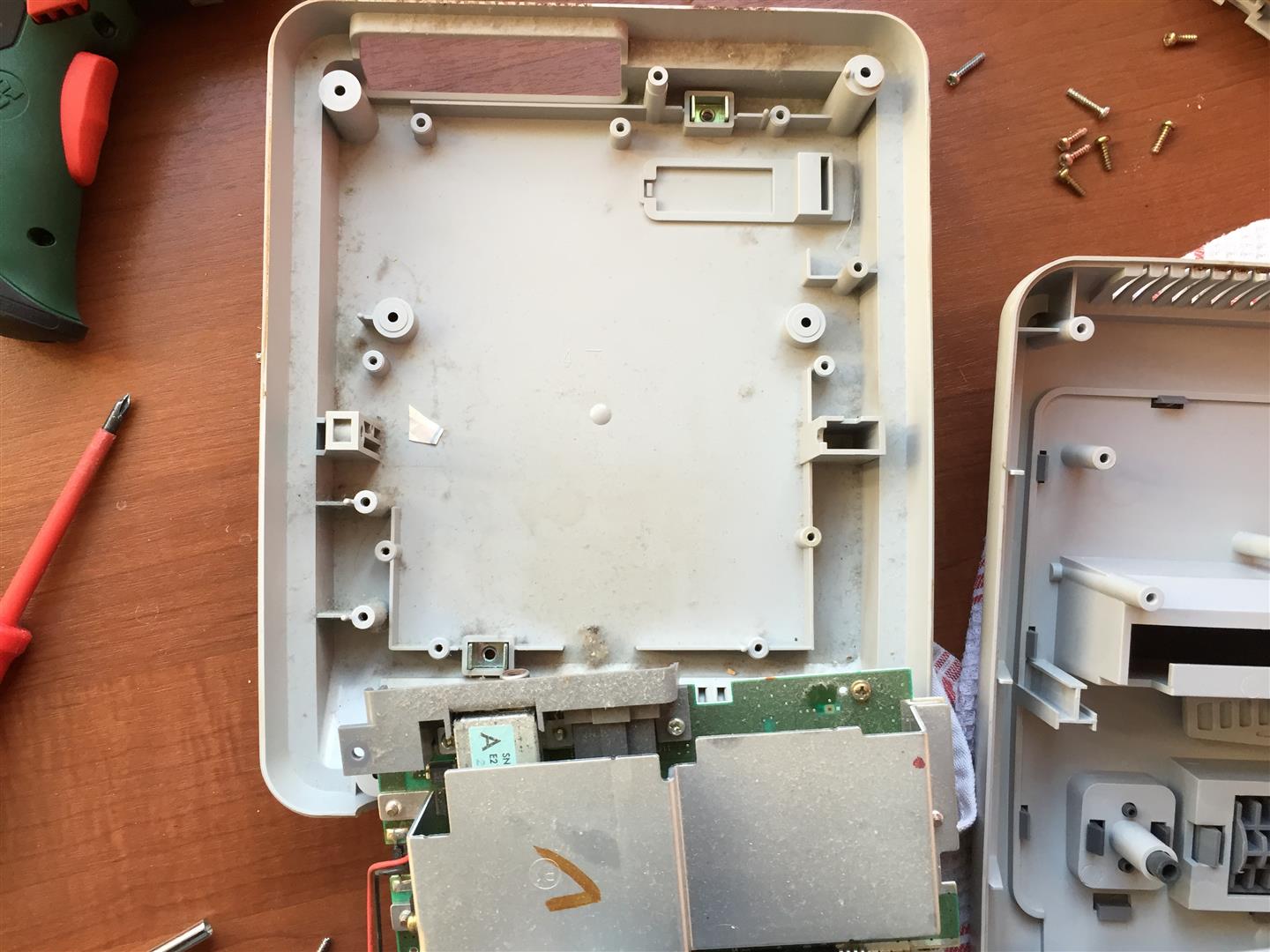
Remove the original CIC (here you can see some pictures of a PAL SNES.
Its the same at the japanese/USA SNES.
The usual 50/60Hz Pins:
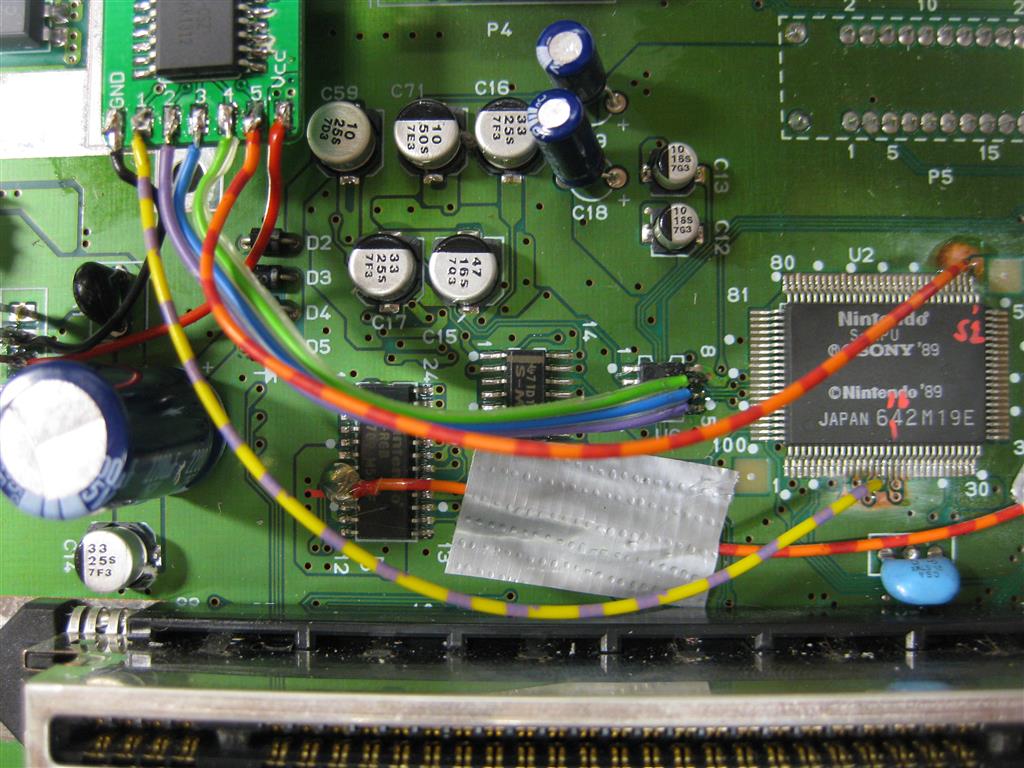
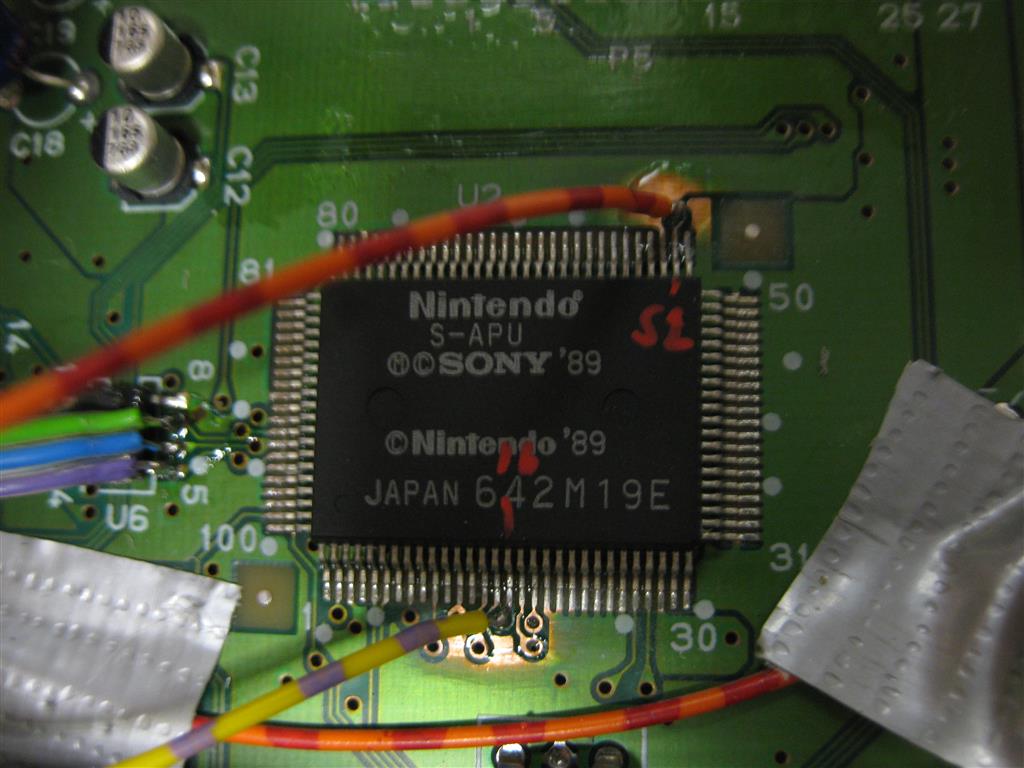
You have to lift PPU2 Pin 30 and lift PPU1 Pin 24 and wire it together to Pin 12 @Pic12f630.
The Console is set to 60Hz if you set both Pins to GND
The Console is set to 50Hz if you set both Pins to 5V
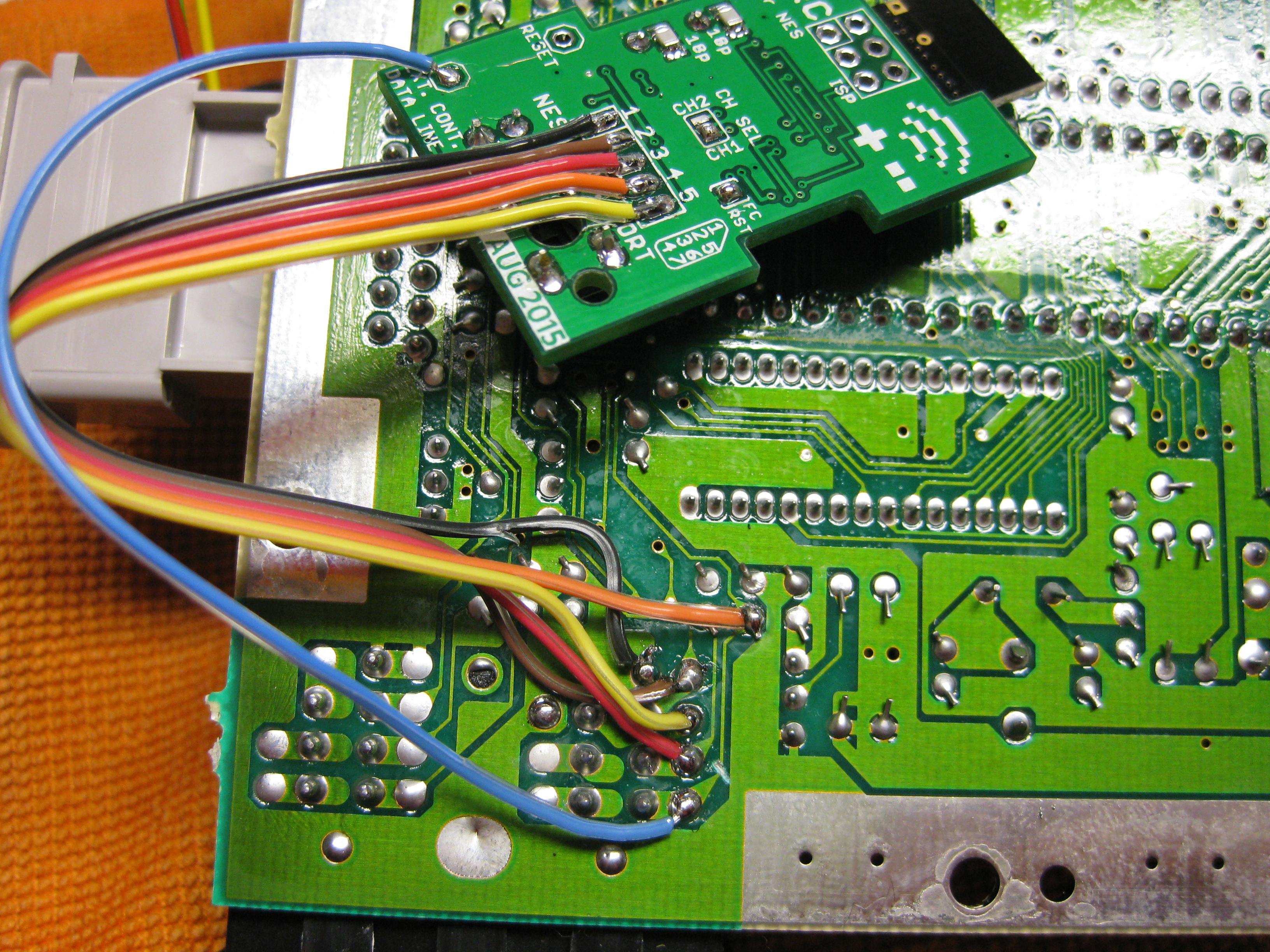
Here you can see the wiring of the pic with ikari_01 Code:
First we have to put some 5V at the PIC.
You can set the PIC into 2 Modes
a) Pin 4 to 5V (I used this Mode, see the red wire)
b) Pin 4 to GND
And please set Pin 7 To 5V (PIC is set to RGB-LED Mode (common anode).
Take 5V From the Pin 81 of the nearby IC
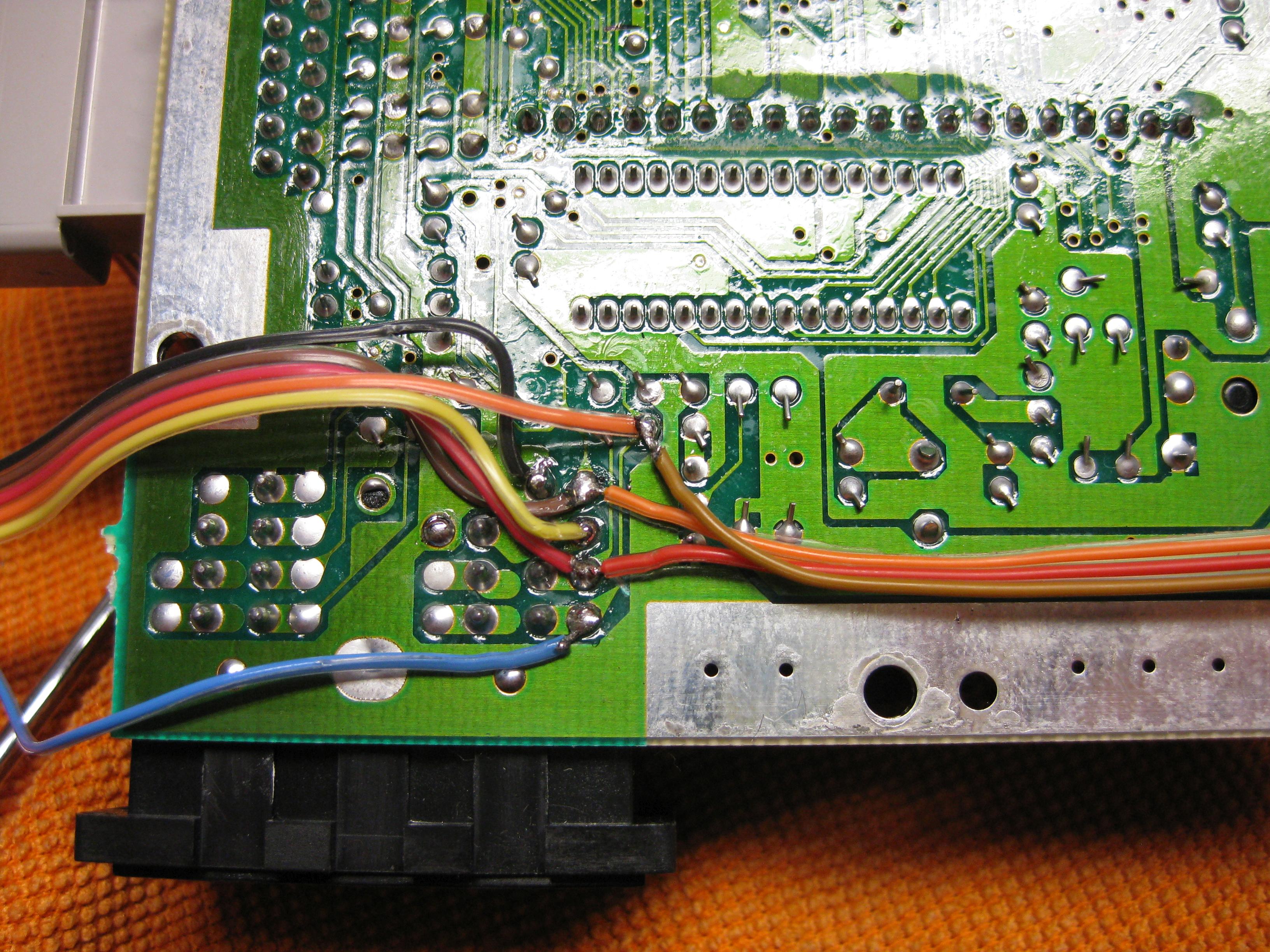
some pictures of more wiring
To do the LED Mod you have to remove the original LED at the controller port.
You can shortcut the original Resistor of the LED, if you want the full power of the RGB-LED
With a RGB Led you can choose 2 of the 3 colors you wish. I am using the normal colors red and green.
You can use two different LEDs:
a) a Duo-Led with common cathode (GND)
You have to set Pin 7 of the PIC16F630 to GND
b) a RGB-Led with common anode (plus)
Look here for a picture:
Some Info about the usage of the superCIC.
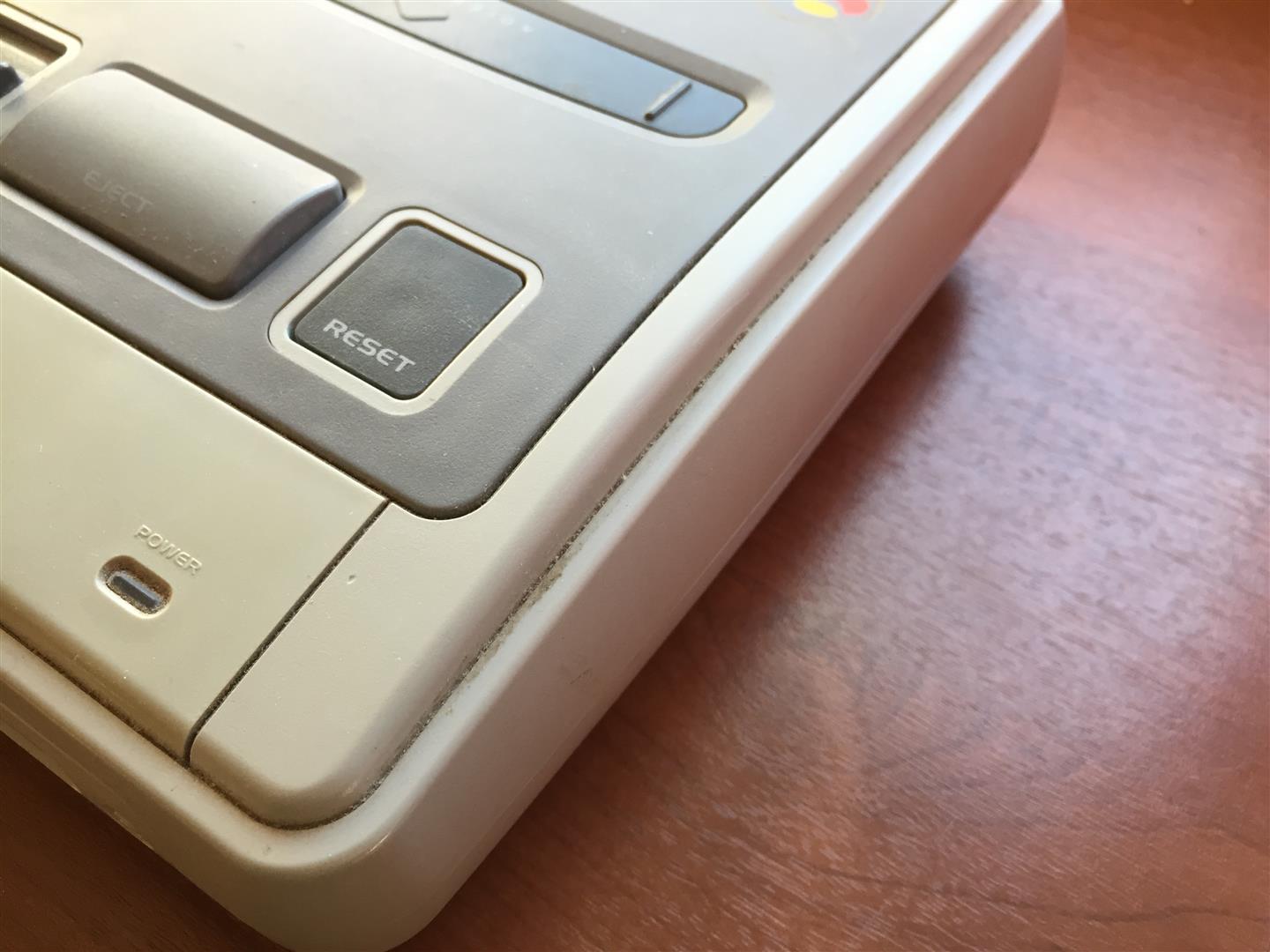
You can change between 50/60Hz and Auto Function by pressing the Reset Button for longer as around 0,5 sec. The current Status is shown by the DUO-LED. (red=60Hz, green 50Hz, orange=Auto).
After releasing the Reset Button the mode will be active. The SNES will not reset at this moment.
a) 50Hz Mode is active (green)
If you insert a PAL-Game, it will start with 50Hz
If you insert a NTSC-Game, it will start with 50Hz (if Pin 4 is set GND)
If you insert a NTSC-Game, it will start with 60Hz and switches to 50Hz after 9 sec. (if Pin 4 is set 5V)
If you insert a Game without CIC, it will start with 50Hz
b) 60Hz Mode is actice (red)
If you insert a NTSC-Game, it will start with 60Hz
If you insert a PAL-Game, it will start with 60Hz (if Pin 4 is set GND)
If you insert a PAL-Game, it will start with 50Hz and switches to 60Hz after 9 sec. (if Pin 4 is set 5V)
If you insert a Game without CIC, it will start with 60Hz
c) Auto Mode is actice (orange)
starting the Game in its native frequence.
If you insert a NTSC-Game, it will start with 60Hz
If you insert a PAL-Game, it will start with 50Hz
If you insert a Game without CIC, it will start with 60Hz
Here you can see a video, how the switching is working:
Here you can see a US-Unit with a RGB Led using blau and red part of the LED:
The mod is using a PIC 16F630 with the following code: supercic
Sorry the Code here is a newer version, so you have to set PIN 7 of the PIC 16F630 to GND. As here is described with a common cathode DUAL-LED!
There are two ways to get the new CIC working.
a) with original CIC still onboard
To get the supercic working you have to lift the following pins of the original CIC.
Pin 1,2,10 and 11
b) removing the original CIC and add a 10k from Pin 8 to GND.
The following pictures will show way b).
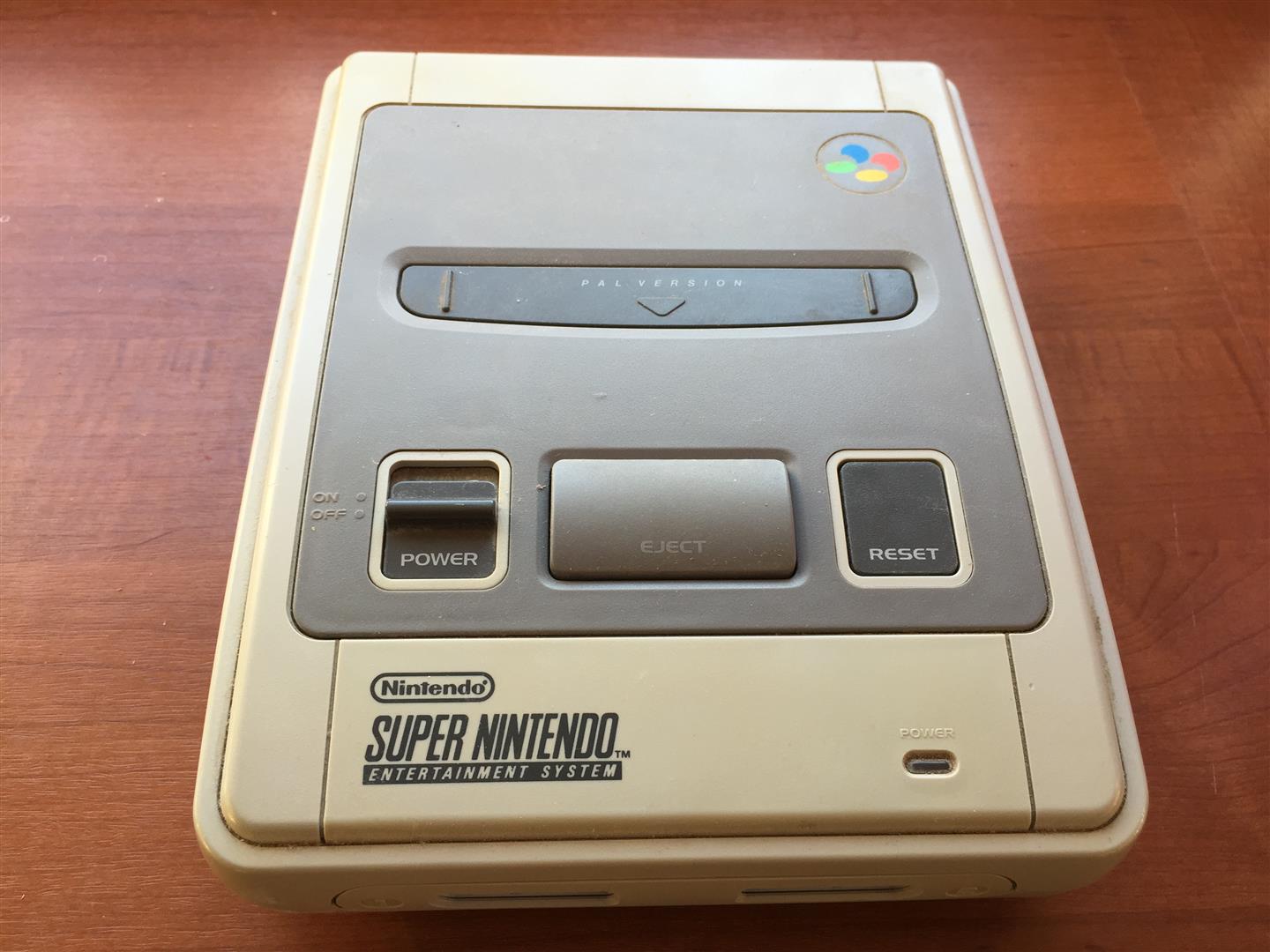
Here you can see a PAL SNES with the F413A CIC
Removing the CIC
After removing the original CIC:
The usual 50/60Hz Pins:
You have to lift PPU2 Pin 30 and lift PPU1 Pin 24 and wire it together to Pin 12 @Pic12f630.
The Console is set to 60Hz if you set both Pins to GND
The Console is set to 50Hz if you set both Pins to 5V
2nd View:
Here you can see the wiring of the PIC:
More wiring:
You can set the PIC into 2 Modes
a) Pin 4 to 5V (I used this Mode, see the red wire)
b) Pin 4 to GND
And please set Pin 7 To GND, so the PIC is set to DUO-LED Mode (common cathode).
On the following picture the wire is missing!
you can remove the original LED by heat both pins together and pull it a little bit out.
So you can cut the 2 pins of the original LED.
After this you can use a DUO-LED (gn/red) 5mm with 220Ohm Resistors. I solder the middle (GND) to the SNES Controllerport
To play import Controller or thinks like a superscope on a PAL-SNES you can shortcut all 4 Diodes on the controller port. (see picture2)
You can use two different LEDs:
a) a Duo-Led with common cathode (GND)
You have to set Pin 7 of the PIC16F630 to GND
b) a RGB-Led with common anode (plus)
You have to set Pin 7 of the PIC16F630 to 5V
Look here for a picture:
Some Info about the usage of the superCIC.
You can change between 50/60Hz and Auto Function by pressing the Reset Button for longer as around 0,5 sec. The current Status is shown by the DUO-LED. (red=60Hz, green 50Hz, orange=Auto).
After releasing the Reset Button the mode will be active. The SNES will not reset at this moment.
a) 50Hz Mode is active (green)
If you insert a PAL-Game, it will start with 50Hz
If you insert a NTSC-Game, it will start with 50Hz (if Pin 4 is set GND)
If you insert a NTSC-Game, it will start with 60Hz and switches to 50Hz after 9 sec. (if Pin 4 is set 5V)
If you insert a Game without CIC, it will start with 50Hz
b) 60Hz Mode is actice (red)
If you insert a NTSC-Game, it will start with 60Hz
If you insert a PAL-Game, it will start with 60Hz (if Pin 4 is set GND)
If you insert a PAL-Game, it will start with 50Hz and switches to 60Hz after 9 sec. (if Pin 4 is set 5V)
If you insert a Game without CIC, it will start with 60Hz
c) Auto Mode is actice (orange)
starting the Game in its native frequence.
If you insert a NTSC-Game, it will start with 60Hz
If you insert a PAL-Game, it will start with 50Hz
If you insert a Game without CIC, it will start with 60Hz
Here you can see a video, how the switching is working:
Here you can see a US-Unit with a RGB Led using blau and red part of the LED:
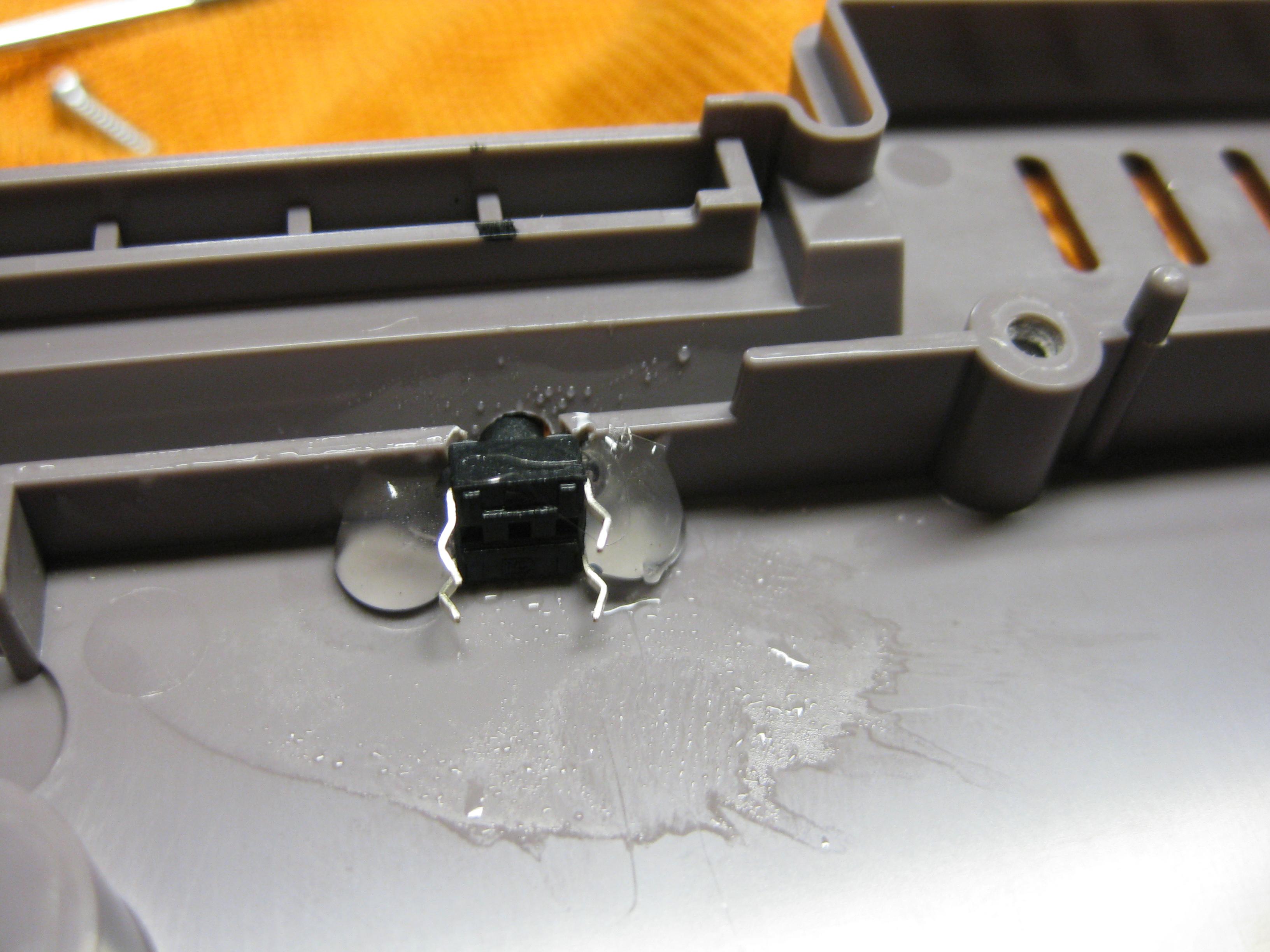
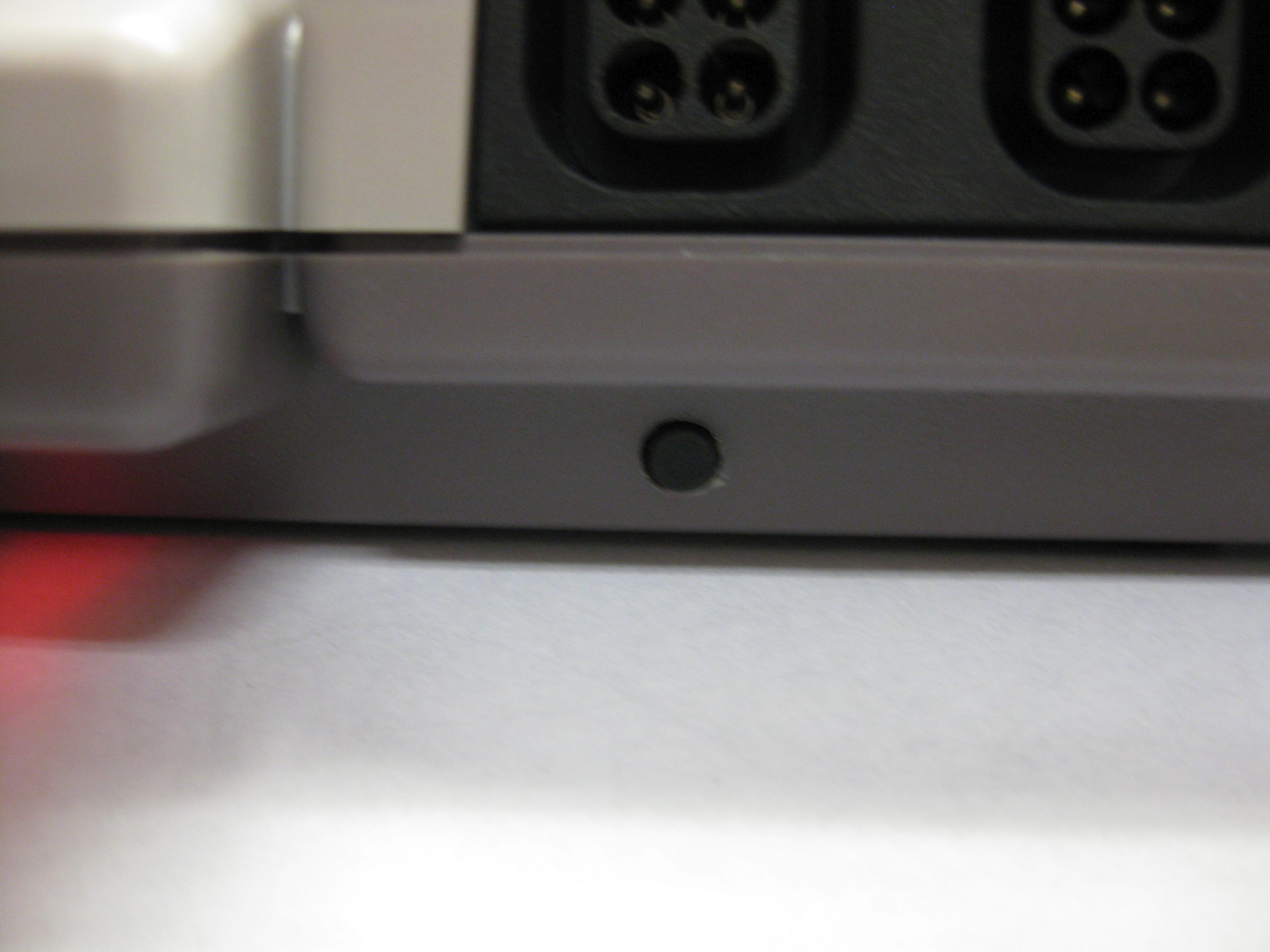
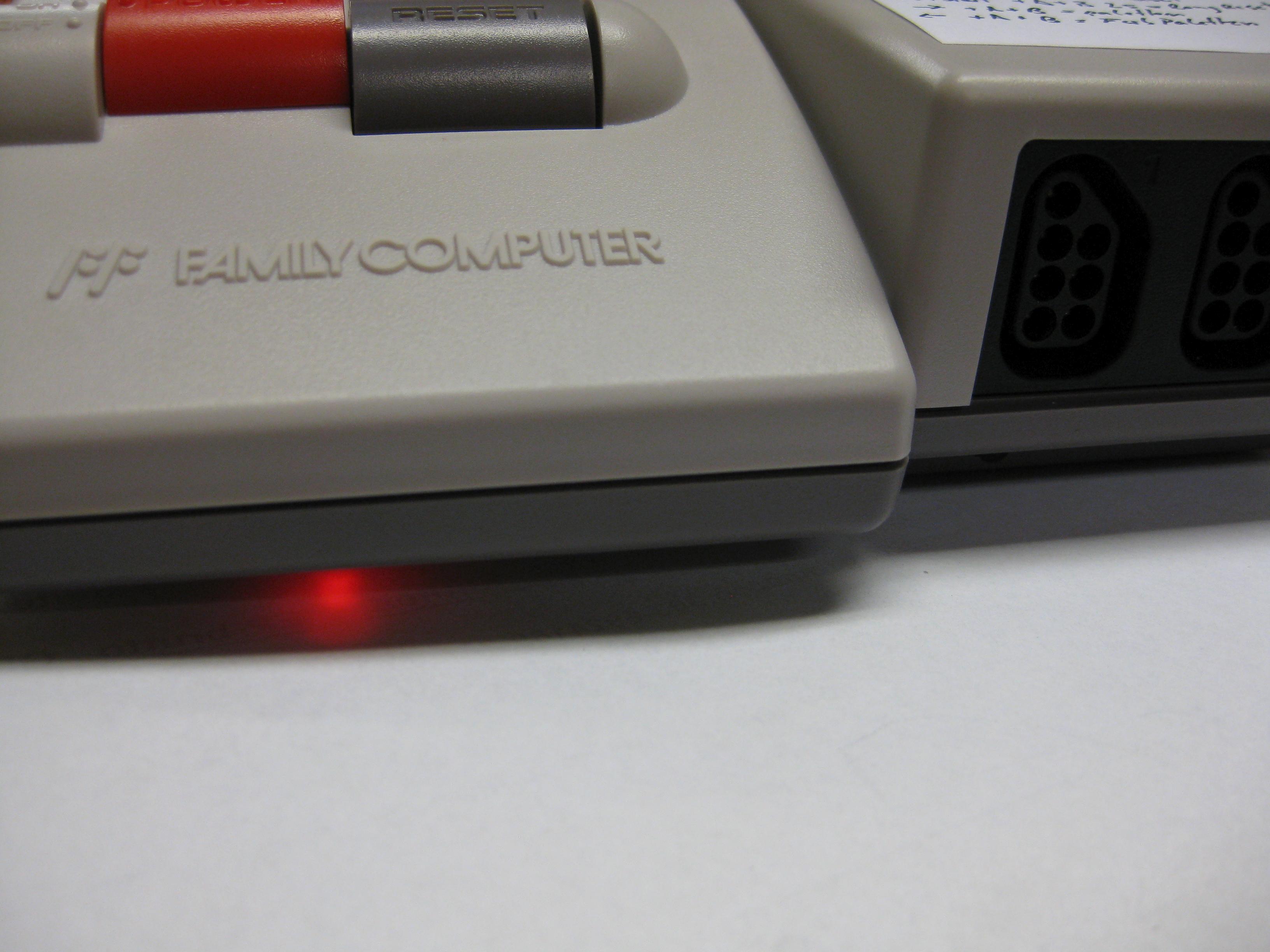
today I done a LED mod for a NES.
Its easy, the most difficulty is to open and remove all screws.
You must remove the mainboard to get the Power LED PCB.
Remove the original 5mm LED and replace with a color you like.
Look here: