I put a wolfman with led eyes on the left site. The Leds are connected to the backboard flasher behind the wolfman picture:
video: http://www.youtube.com/watch?v=G4qxCeUIYPY&feature=youtu.be
After putting the big spiders on the slingshots. I tried some smaller spiders like this one.
In the final Version the spiders will come on complete new plastics. The painted spides will be removed on the new plastics, because the the real ones will sit on the plastic like at the following pictures:
In the back one too:
Here you can see a magnify:
with light up effect in green:
Video: http://www.youtube.com/watch?v=kFhGBDzDOQg&feature=youtu.be
Video:
I am in search for a nice Harddisc Case in white, but I didn’t find any nice looking case…
After this I decided to put a 3,5Zoll Sata Harddisc into a broken Wii.
I am planing to use the original Power Supply and the original USB Connectors.

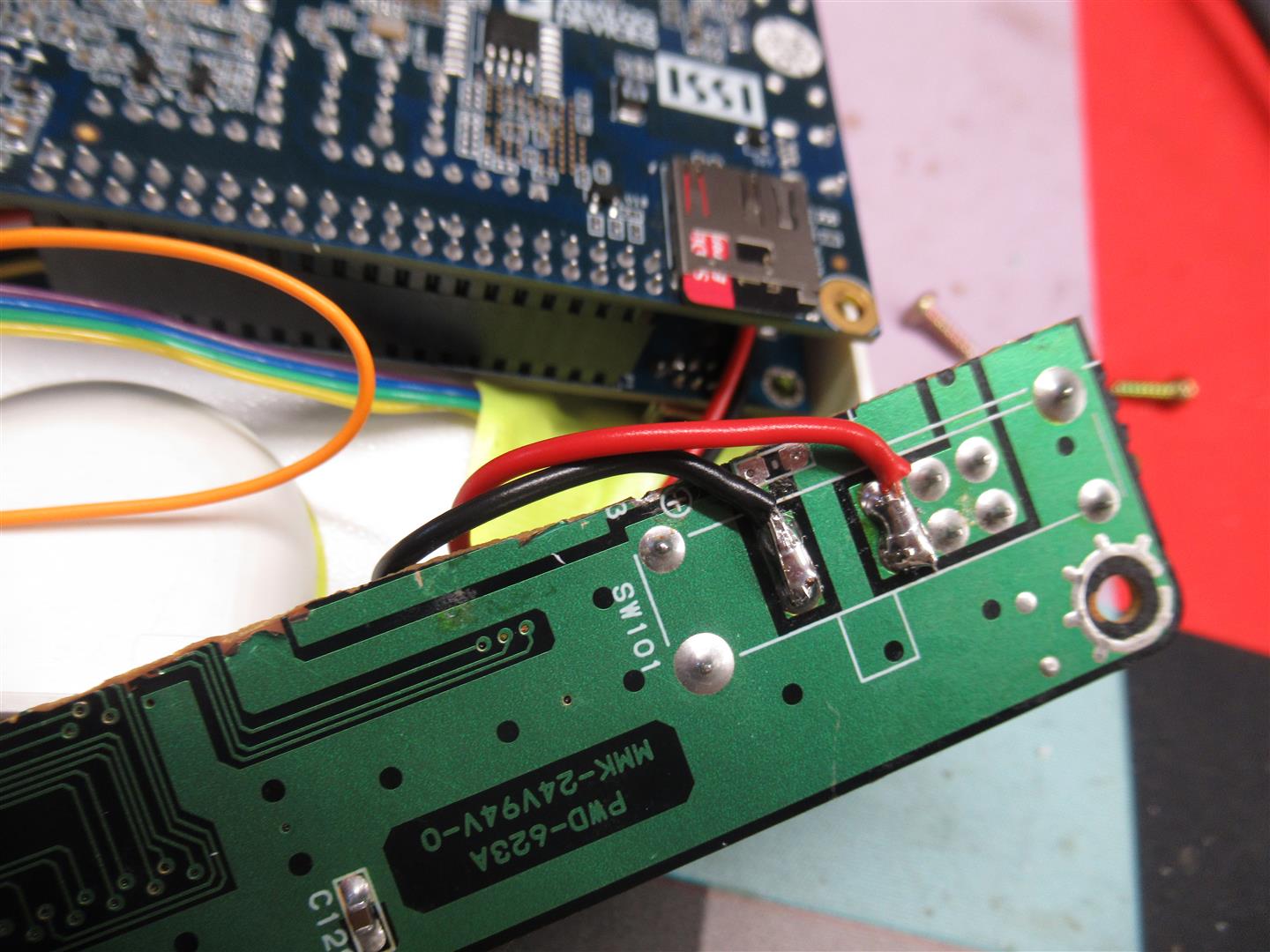
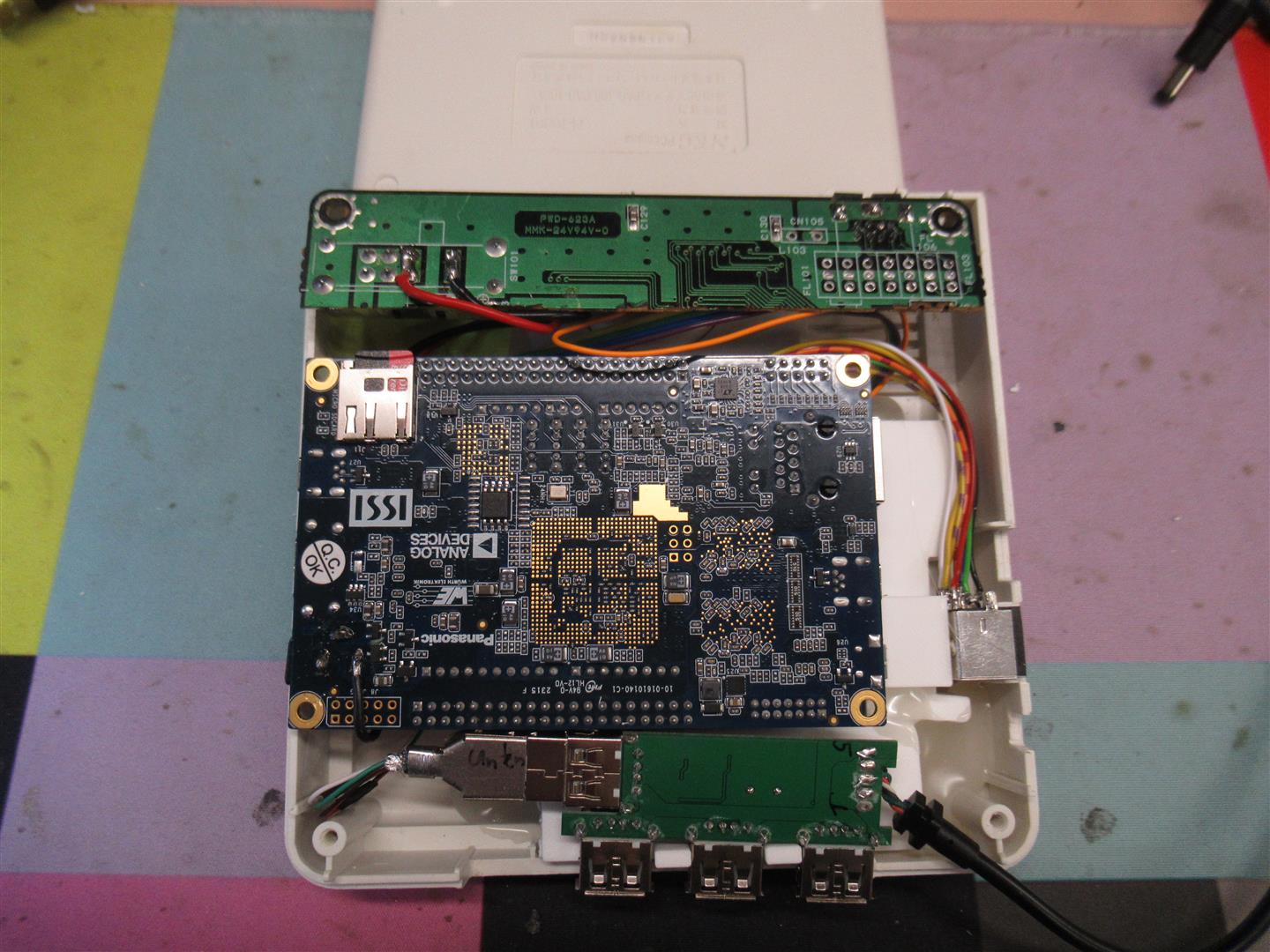
I opened the wii and removed all until you only have the main PCB inside
I removed to parts (red marked) to disable the USB Wires into the mainboard and connected the USB Cables from the USB/Sata Connector to the onbaord USB Port
The power is taken from the Top Site of the mainbaord. Here I have to remove the original Fuse (red marked) to avoid getting any voltage to the mainboard.
You can get 12V to power up harddisc from the right site of the fuse.
GND is found at the edge of the mainboard.
I placed a standard 7805 voltage regulator to get the 5V for the Harddisc
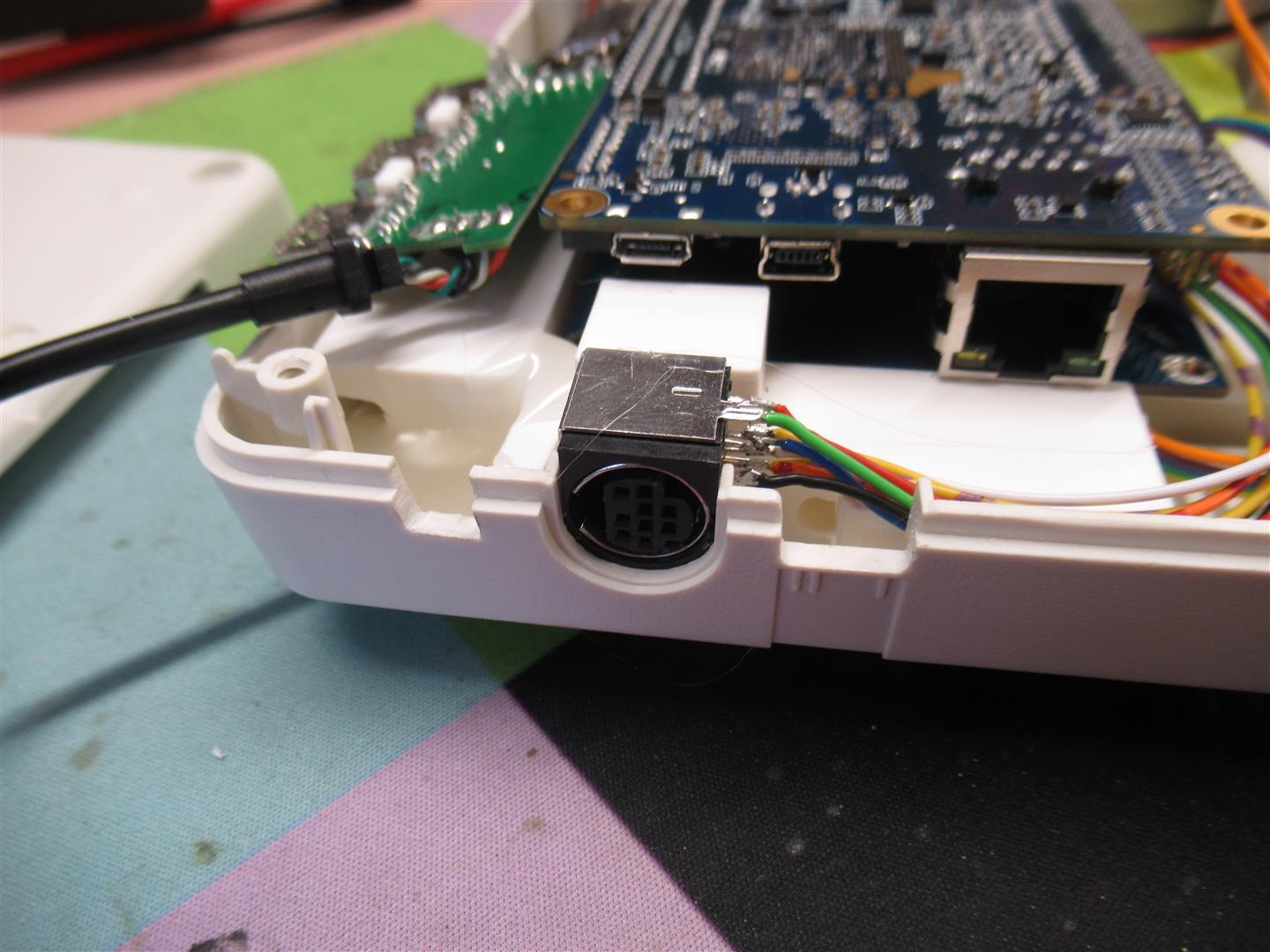
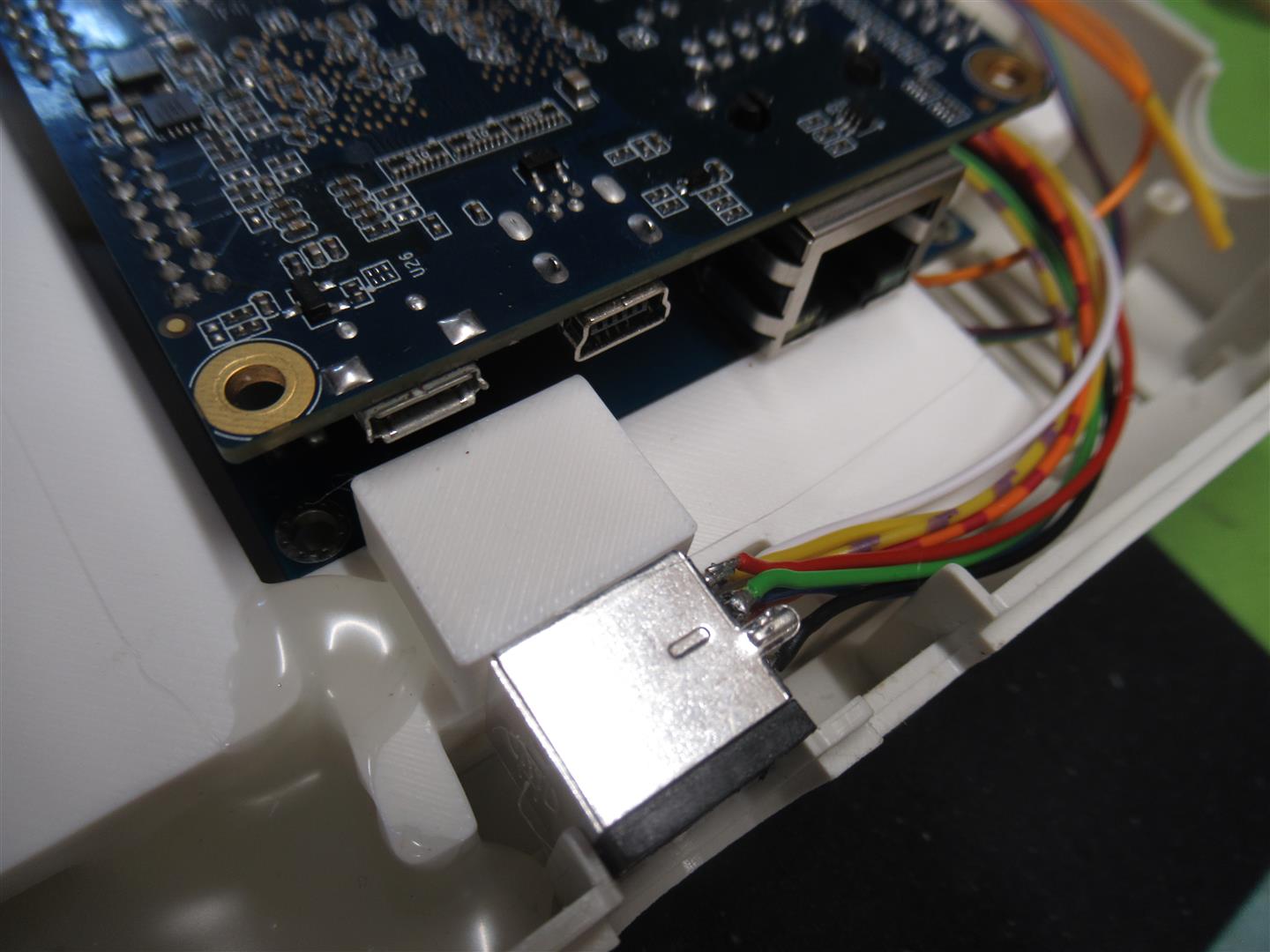
Here you can see original case of the used USB/Sata Connector
all together
I extended the power Led of the USB/Sata Adapter to the original power LED of the wii
And here you can see the final backsite with connectors
For changing the Volume of a pinball you always have to open the coindoor.
And mostly you have the key in the coindoor.
I find a solution to move the switches outsite of the coindoor.
So you can remove the key and it looks better.
I connected the volume + and volume – parallel to the switches inside of the coindoor.
But they don’t work without opening the door.
So I have to put a “coin-open” switch outsite too. Its the green one.
To change the volume you have to press the green once and then you can change the volume via the two red and black switches as usual.
Here the first pics
Video:
you have only to replace the original red plastic with two screws
remove the lamp
put in the new one with the wires
connect the three crocodiles to the inside switches
here you can see the replaced coindoor plastic with the new one
Here you can see my little treasure Project. It will be realized in a pin like Tales of Arabian Night.
I have put some RGB changing Leds into the chest and some holes into the treasure area.
And I have put some glasfibre into the holes to make the effect more viewable…
Look here some pics and a video
Video:
As it is hard to find original wpc95 Speakerpanel and 30Zoll LCD are rare to find. I make a new WPC95 Style Speakerpanel grows a little bit wider and higher so it fits for a 32Zoll Backglass Cabinet.
Here you can see some detailed blueprints and pics:
Here you can see a comparsion between different original Speakerpanels
It is a little wider and higher. It can be cutted if needed to original WPC95 size
looks identical
for the backglass
closeup view
After some spraying it looks like this
Some speakergrill and plexiglas
Hi Folks,
here you can find some pictures of the rotating parts needed to make the retroarcade turnable.

he build in turning PCB is capable to turn the screen via one signal
on = turn to vertical
off = turn to horizontal
I handle it via a a conductor and a keyboardencoder. Here I am using the led for SCR to output the signal
This PCB makes the degauss
powered with 230V (Europe) and with the help of the two PTCs
Here you see the rotating mechanisem from backsite (not much)
I found a ghost and have done a led mod.
This time I tried to hide the leds because a ghost don’t have eyes.
So I have to paint the insite of the eyes black (it looks more scary) and put the LEDs far insite the eyes.
Look here how it appears
I am not sure in which Pin it could fit. I am thinking about Scared Stiff.
First I have to open it
painted the eyes insite black
Video:
Here is a try to put it in a MB
But I am not sure if the led eyes flashing is bright for replacing the original flasher effect…
Thanks to Axel of flippermuseum.eu it was possible to test my motors in an real AfM.
Here you see the first pics and video
The Motor includes two functions:
a) replacement for the original flasher
b) two wires for connecting the motor to a insert lamp.
The Motor:
You can see the four Leds for the flasher function. Plug’n Play and the flasher is working
the two wires are connected here to the upper Lights, so you can easy see which is on
Video: